page | 28
Basic Conguration
Using the GAVA Wizard
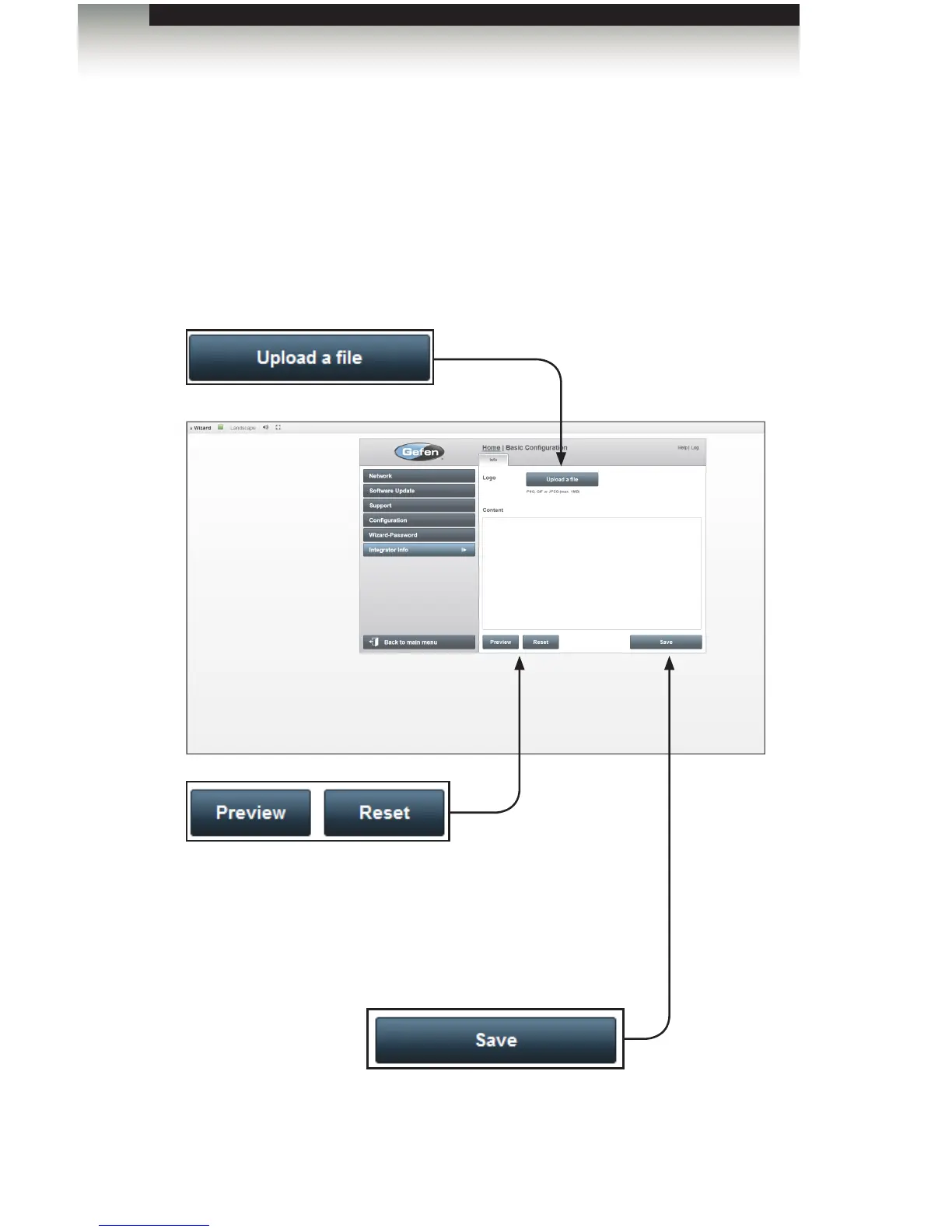
Integrator Info
The Integrator sidebar button allows the integrator / end-user to add contact information
and /or company logos to the Views page. The Integrator Info is accessible on the Home
Screen of the GAVA Graphic User Interface.
Upload a le
Click this button to upload an image to be used on the page. PNG, GIF, and
JPEG image formats are supported. By default, the Gefen logo is used.
Preview
Click this button to display a preview of the completed page
design.
Save
Click to save the current page design.
Reset
Click to clear all content.



 To Next Page