page | 29
Basic Conguration
Using the GAVA Wizard
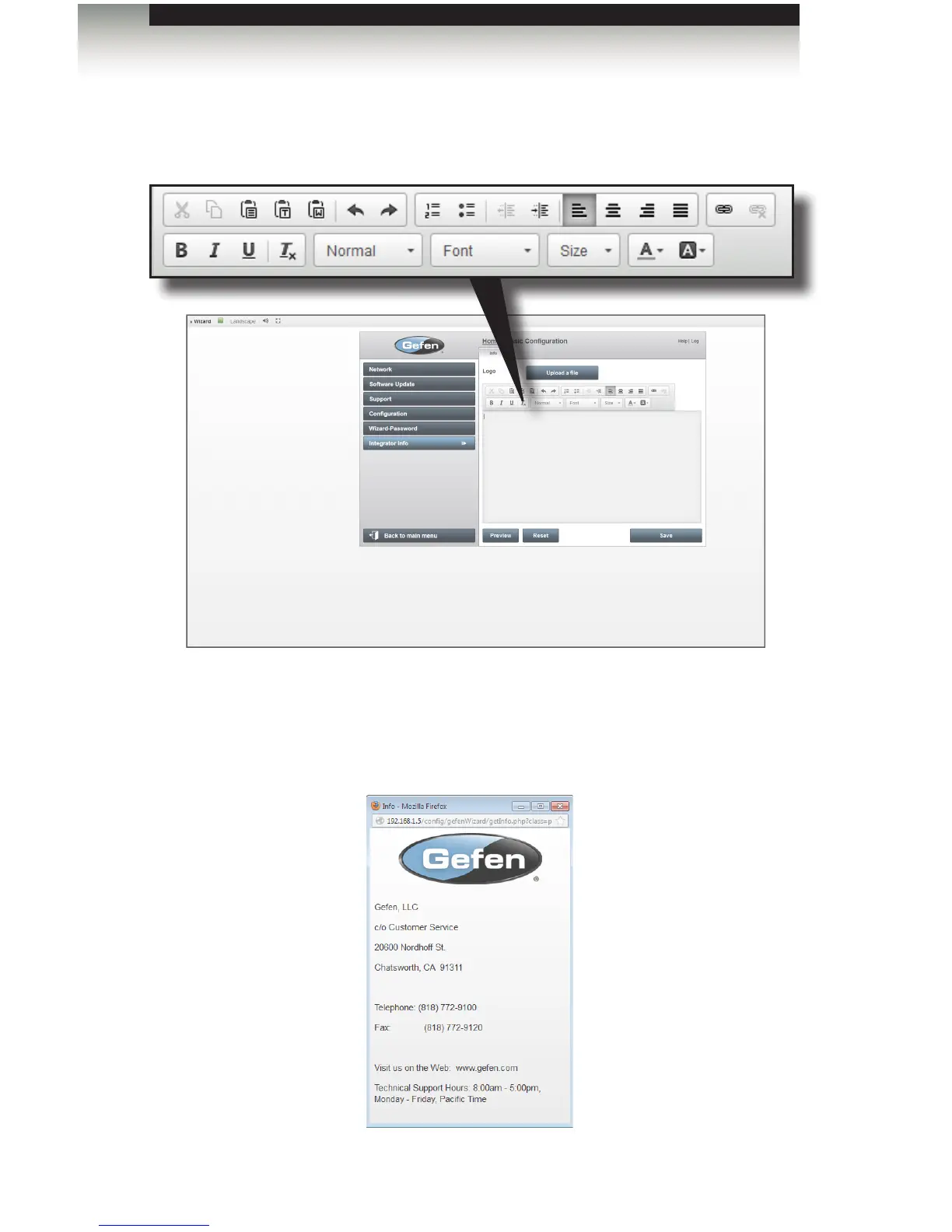
• To add text to the page, click the in the Content box. A menu bar will be displayed
above the Content box, allowing the text layout to be customized.
• Once the text content is entered, a logo can be added by clicking the Upload a le
button. PNG, GIF, and JPEG les are supported.
• To preview the page design, click the Preview button.



 To Next Page