page | 18
Layout and Design Flow
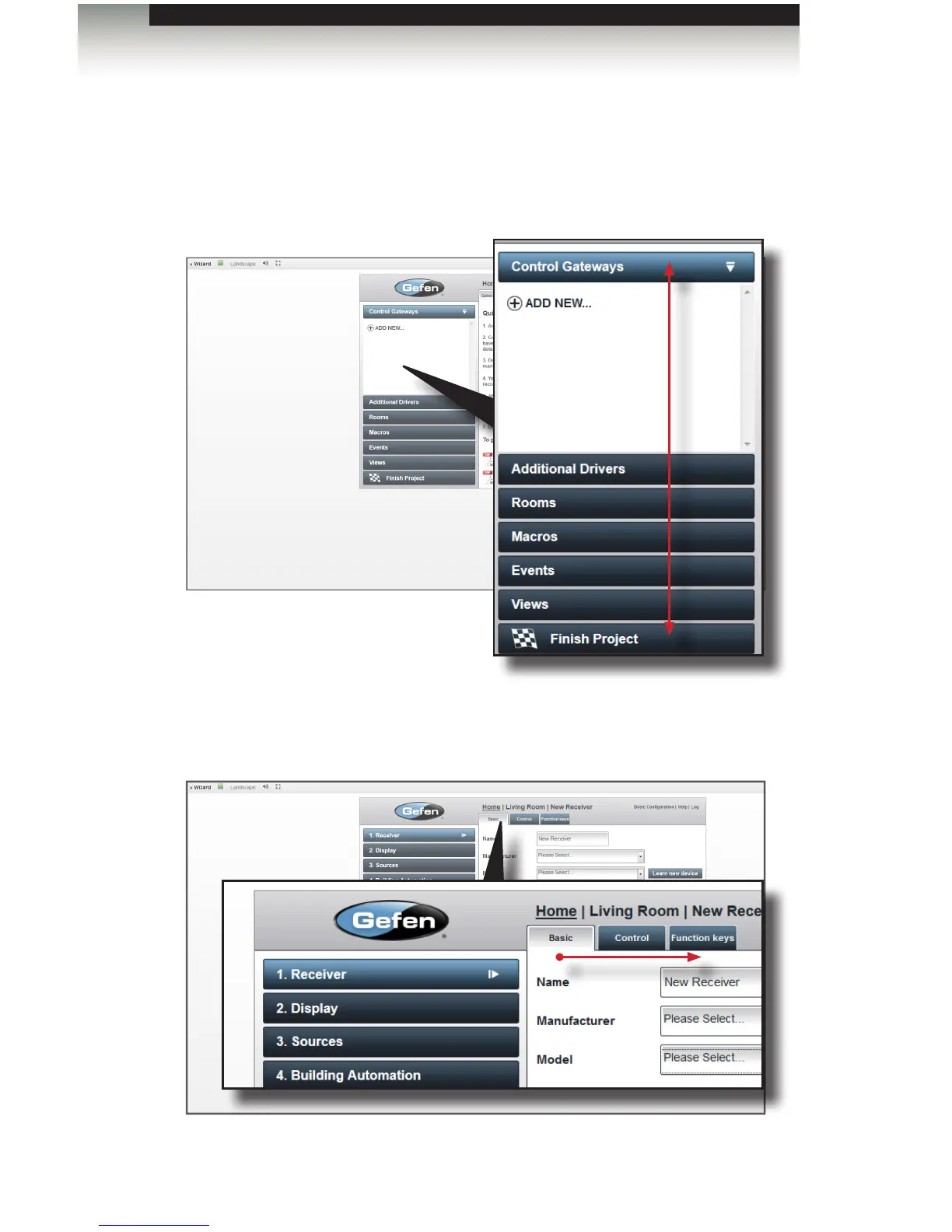
The GAVA Wizard is designed for easy navigation and is ordered in such a way to provide
a step-by-step process for conguring your entire A/V setup. Therefore, it is important that
each button or tab be completed in the order in which it is presented.
• When using the set of sidebar buttons on the left side of the screen, make sure to
always start at the top-most button and work your way down.
• When working through sidebar buttons that use multiple tabs (on the top-portion of the
screen), make sure to always start at the left-most tab and work your way to the right.
Using the GAVA Wizard



 To Next Page