The GAVA uses an intuitive Web interface which allows easy addition and conguration of
devices to the GAVA. Before using the interface, the IP address may need to be congured
on the GAVA. See Setting the IP Address for more information.
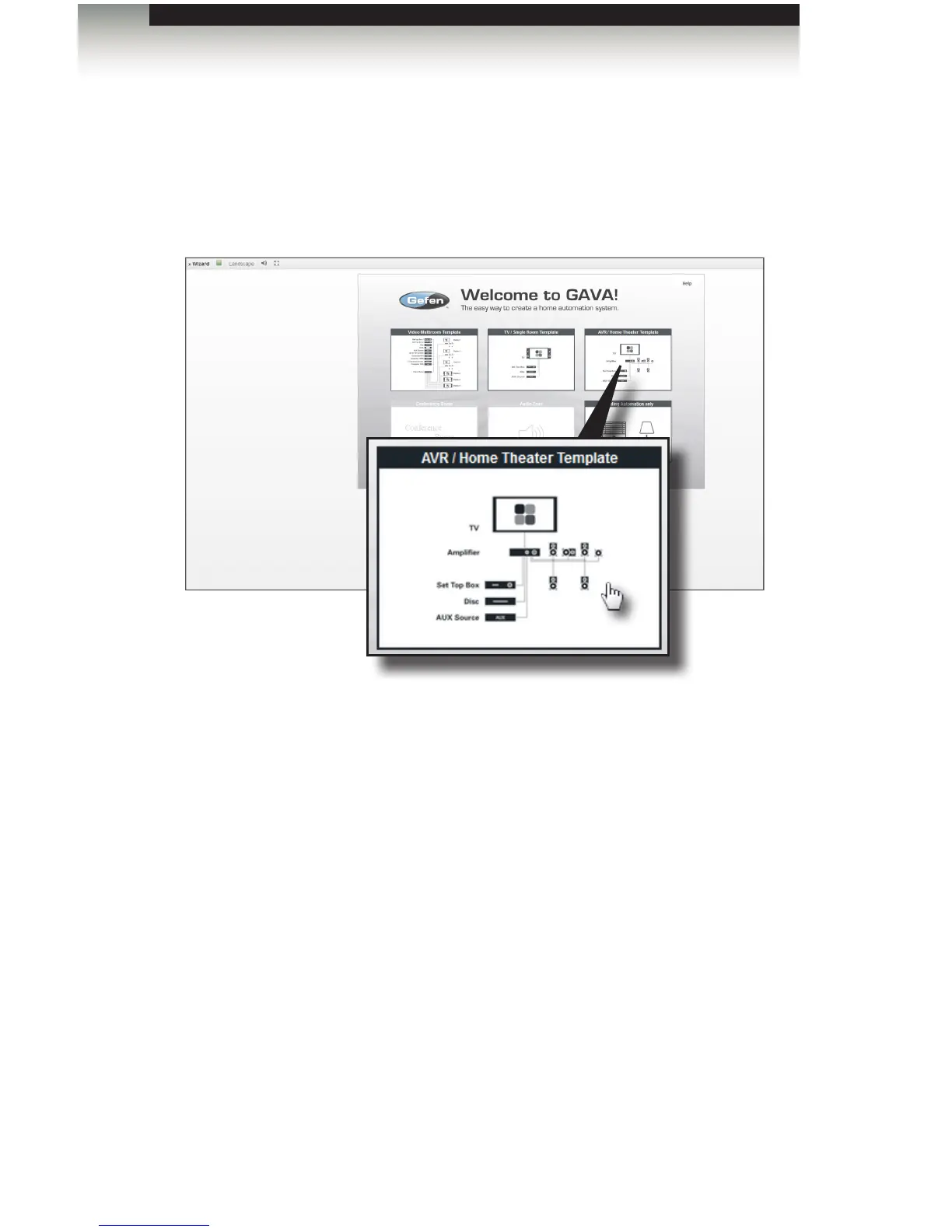
1. Open a Web browser and log on to the IP address of the GAVA. The GAVA Welcome
screen will be displayed. See Browser Recommendations for a list of Web browsers.
2. Click one of the templates on the Welcome screen to enter the GAVA Wizard. For this
example, we will select the AVR / Home Theater Template.
3. The Control Gateway sidebar button should now be open on the left-hand side of
the screen.
Once the Control Gateway tab is opened, a Quick guide is displayed on the right
side of the screen. This tab provides a step-by-step list of instructions to help guide
you through the setup process.
page | 12
Introduction
Using the GAVA Wizard



 To Next Page