page | 99
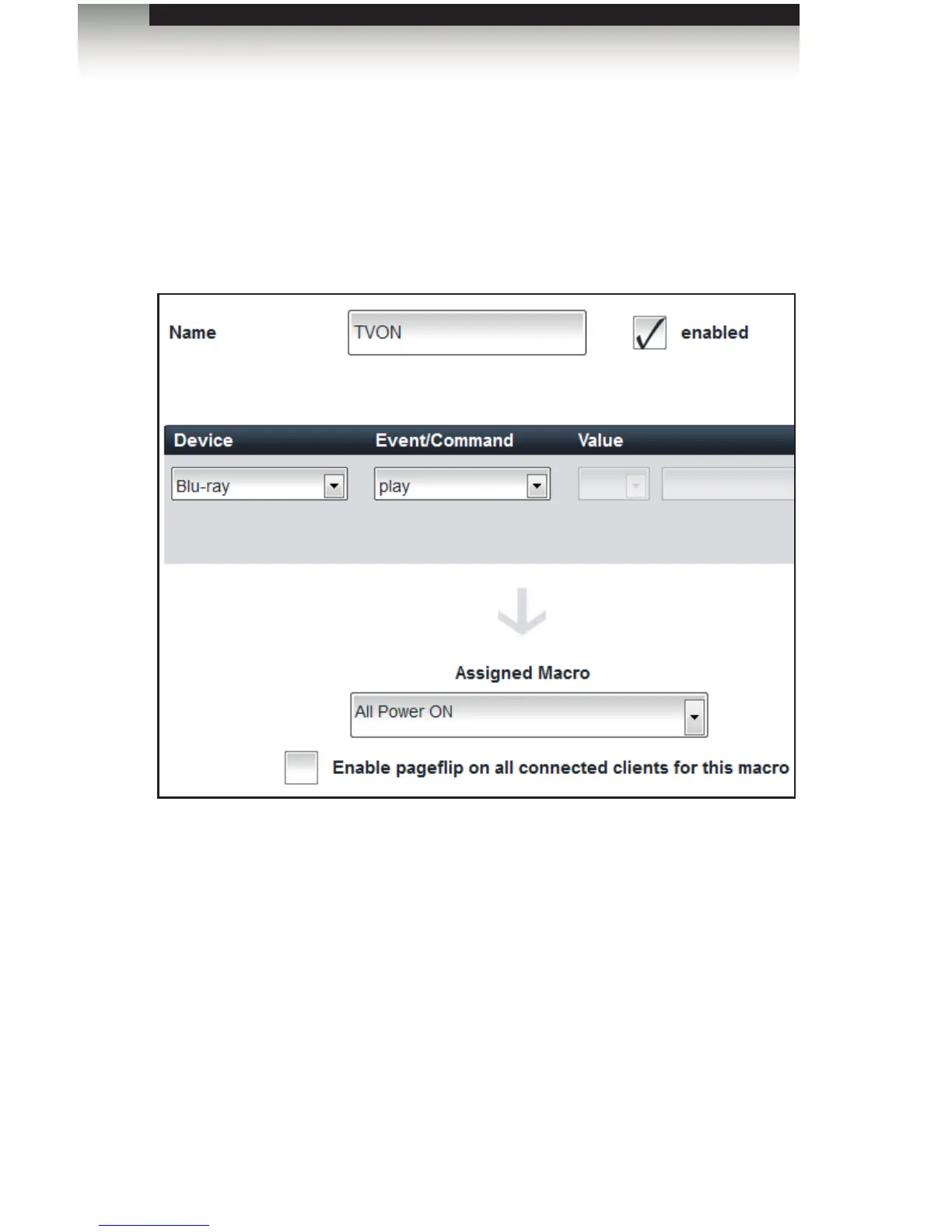
4. Select the Blu-ray device from the Device drop-down list.
5. Select play from the Event / Command drop-down list.
6. Select the “Power ON” macro from the Assigned Macro drop-down list.
7. Make sure the enabled box is checked. If the enabled box is not checked, then the
Event will be disabled.
8. Click the Save and Close button, in the lower-right corner of the screen, to save the
Event and return to the Home screen.
Using the GAVA Wizard
Creating Events



 To Next Page