page | 151
Learning a New Device
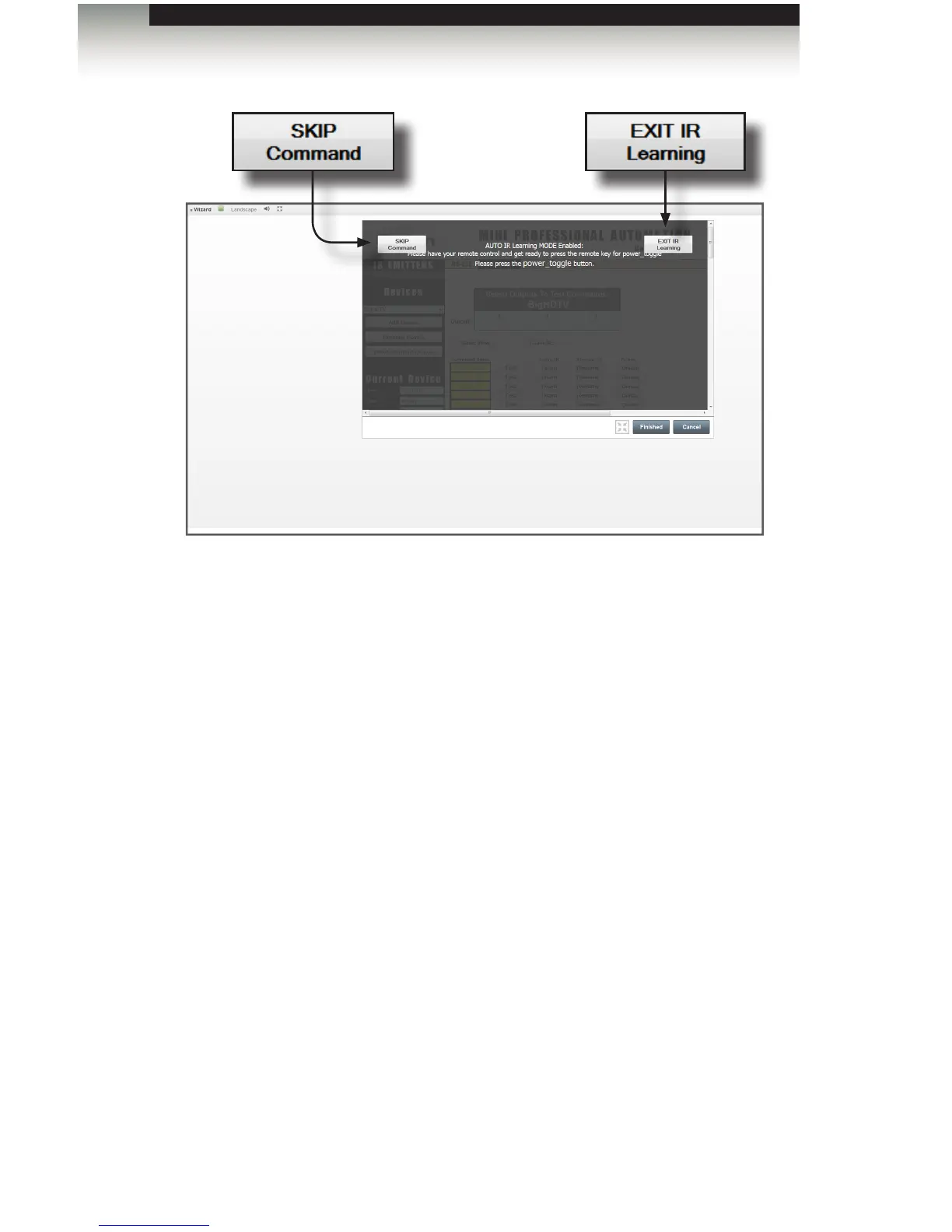
7. Learn each command in turn until all have been learned.
8. Each learned command will now be green. Any commands that were skipped or not
learned successfully will still be yellow.
9. You can manually add any commands that were not in the template afterwards.
Since commands are accessed by name, and not by number, the sequence of
learning commands is not critical. Commands that are in the Template cannot be
re-named. They can be deleted, and then new commands may be added at the
bottom after saving the changes. There is a maximum of 64 commands per device,
so you may need to delete some unused commands to create room for any new ones.
10. Press the Test button to verify that each command performs as expected.
11. You can delete any commands that are not available for that specic remote by
clicking the Delete button for those commands. Deleted buttons will be removed
when changes are saved. Un-learned template commands will be saved for later
learning.
Appendix



 To Next Page