page | 154
Setting the IP Address
The computer must have an IP address in the same subnet as the GAVA, but with an
address that is different from the GAVA address. If you computer has an IP address of
192.168.1.XXX, and 192.168.1.82 is an available address, you can access the GAVA by
entering 192.168.1.82 in your Web browser.
Otherwise use the following procedure to change the IP address on the GAVA to match
the network settings:
1. Access the Network Setting control panel in Windows and locate your LAN connec-
tion. Under Windows 7®, this can be done by clicking Start > Control Panel > Network
Sharing Center > Change Adapter Settings.
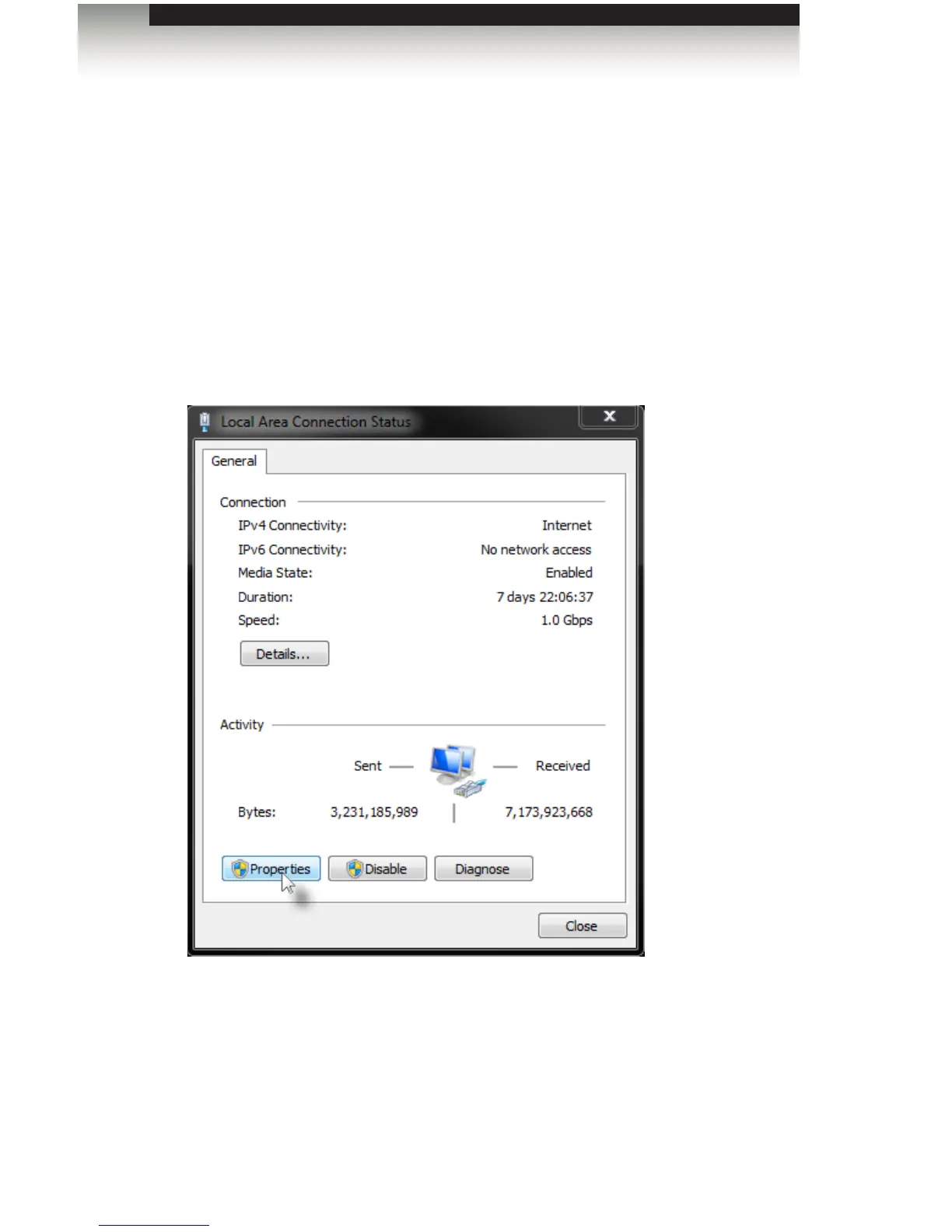
2. Click on the Local Area Connection icon to display the Local Area Connection
Status dialog:
3. Click the Properties button to display the Local Area Connection Properties dialog.
4. Click on Internet Protocol Version 4 (TCP/IPv4).
Appendix



 To Next Page