page | 16
Introduction
Using the GAVA Wizard
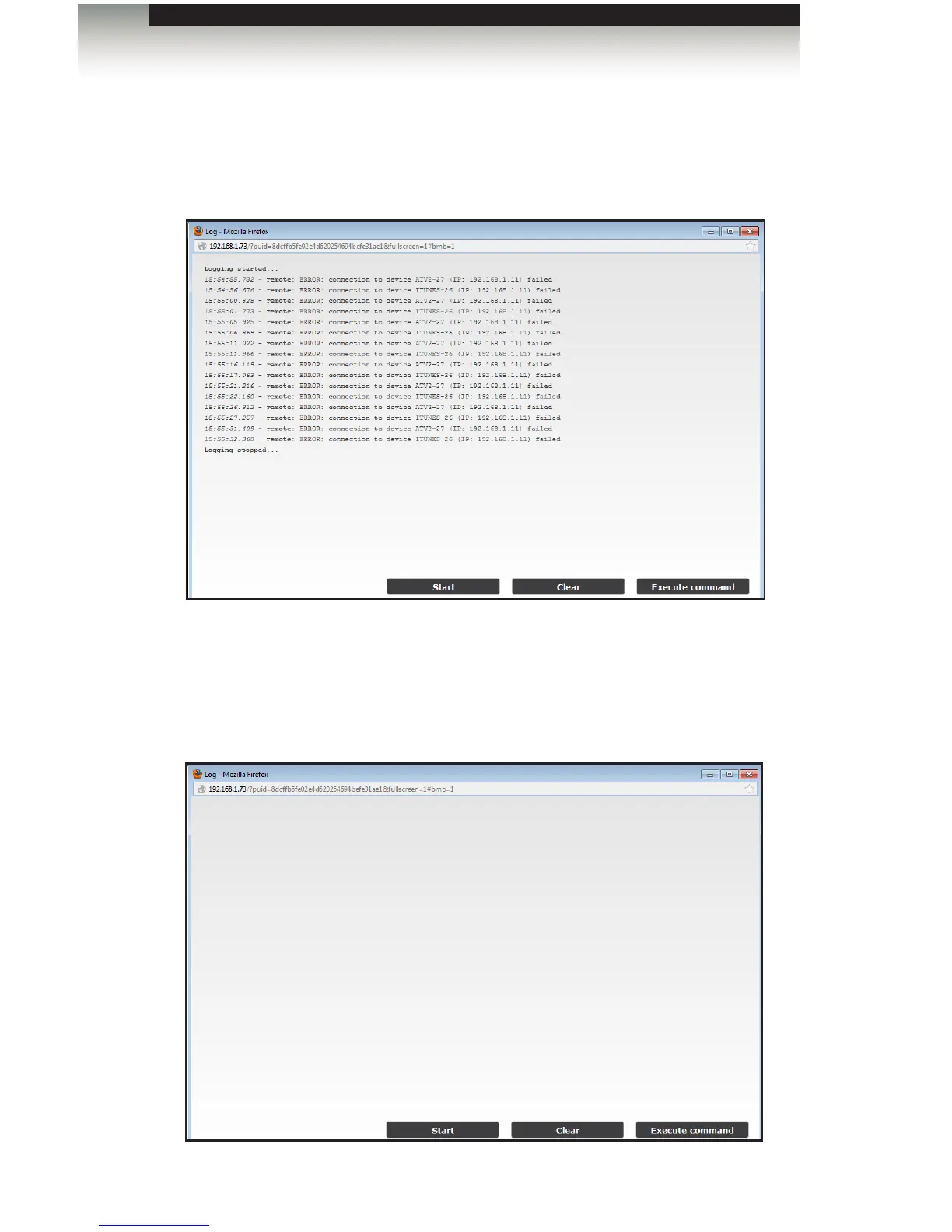
Once the logging process has been started the Start button will display as the Stop
button.
3. To stop the logging process, click the Stop button. The Stop button will once again
display as the Start button.
Once the logging process has been stopped, pressing the Start button will restart
the logging process. Pressing the Start button will not continue where the last event
was logged.
4. To clear the log, click the Clear button.



 To Next Page