page | 14
Introduction
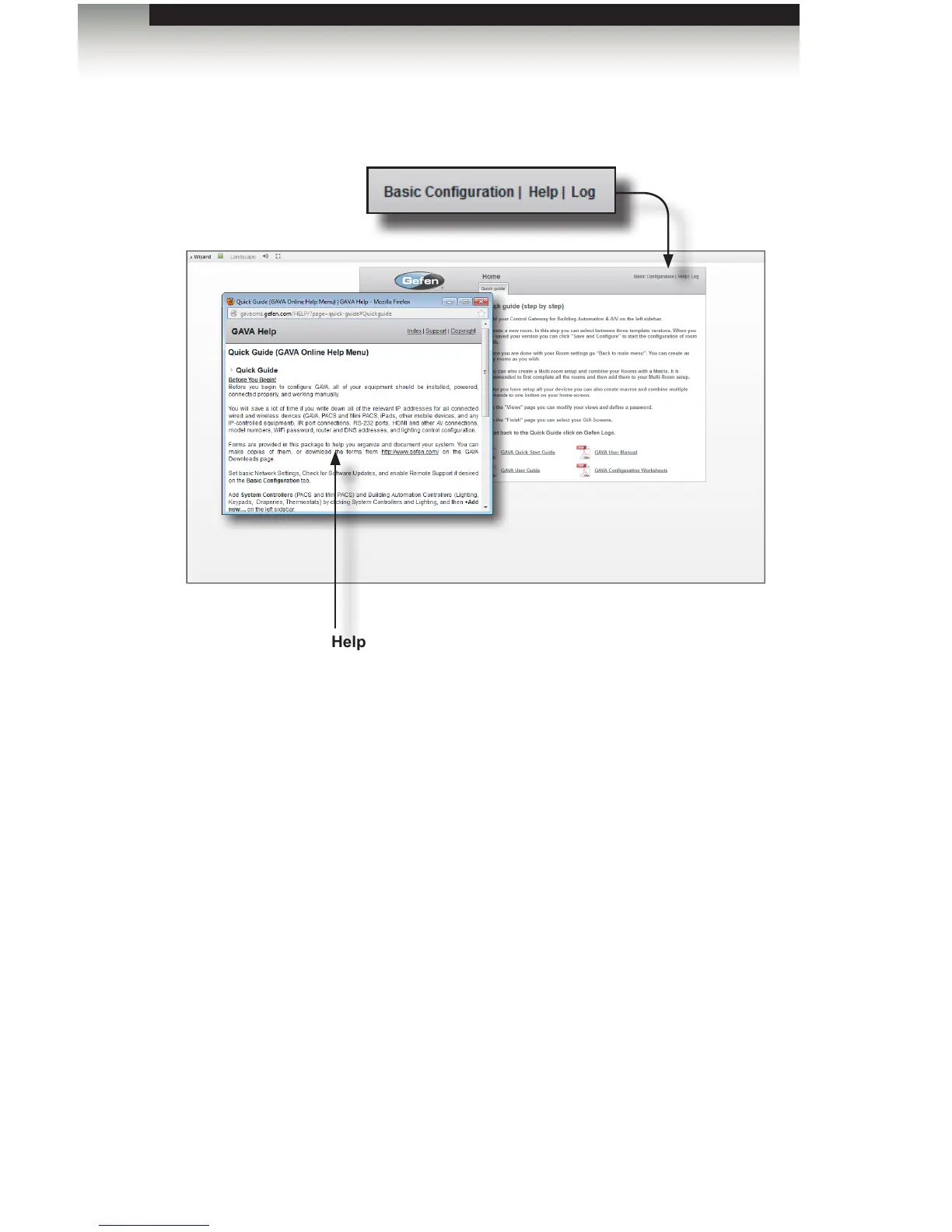
4. On the top right-hand corner of the screen are three hyperlinks:
Basic Conguration
Click this hyperlink to go the Basic Conguration screen. See Basic Conguration for
more information on using this screen.
Help
Click “Help” to display context-sensitive help. You must be connected to the Internet
in order for the help le to be displayed.
Log
Click the Log button to enter the Log screen. By starting a log, the GAVA will record
all internal events. This log can be stopped or cleared at any time. See the next page
for more information on the logging process.
Using the GAVA Wizard
Help window
This window will be displayed after clicking
Help near the upper right-hand corner of the
screen.



 To Next Page