page | 163
Using the GAVA with a KNX Automation System
Appendix
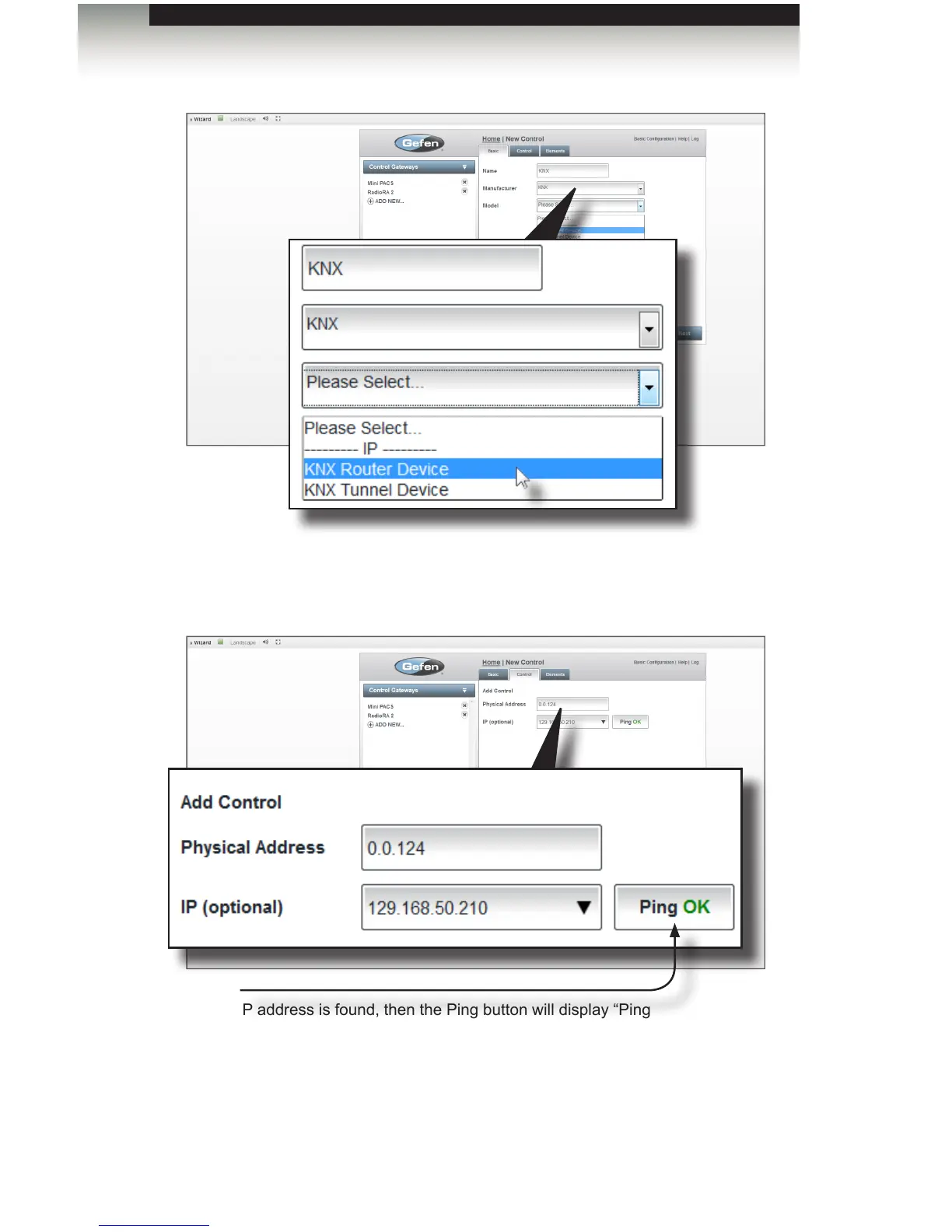
5. Click the Next button to go to the Control tab.
6. Enter the bus address in the Physical Address eld. The IP address can also be
entered in the IP (optional) eld.
7. After entering the required information, click the Next button in the lower-right corner
of the screen to continue to the Elements tab.
Ping
If the IP address is found, then the Ping button will display “Ping
OK”. If not, then “Ping Error” will be displayed.



 To Next Page