page | 119
The GAVA User Interface
Using the GAVA App
After a few moments, the selected GUI will load and be displayed.
9. See The GAVA Graphic User Interface (GUI) for more information.
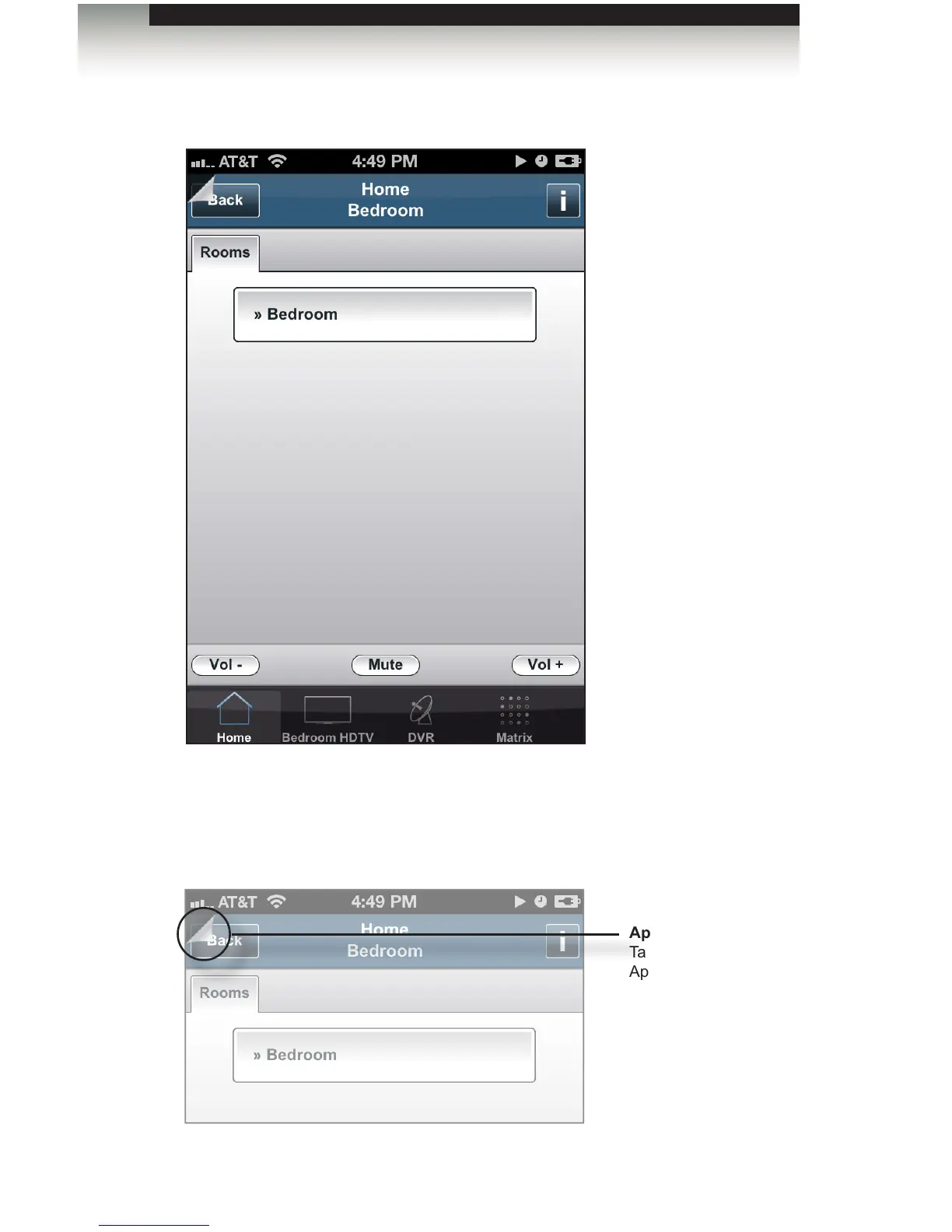
10. In order to switch to another GUI, press the “dog eared” page, at the top-left corner
of the screen, to return to the Home screen.
App Tab
Tap to return to the
App Menu.



 To Next Page