page | 54
Using IP Control
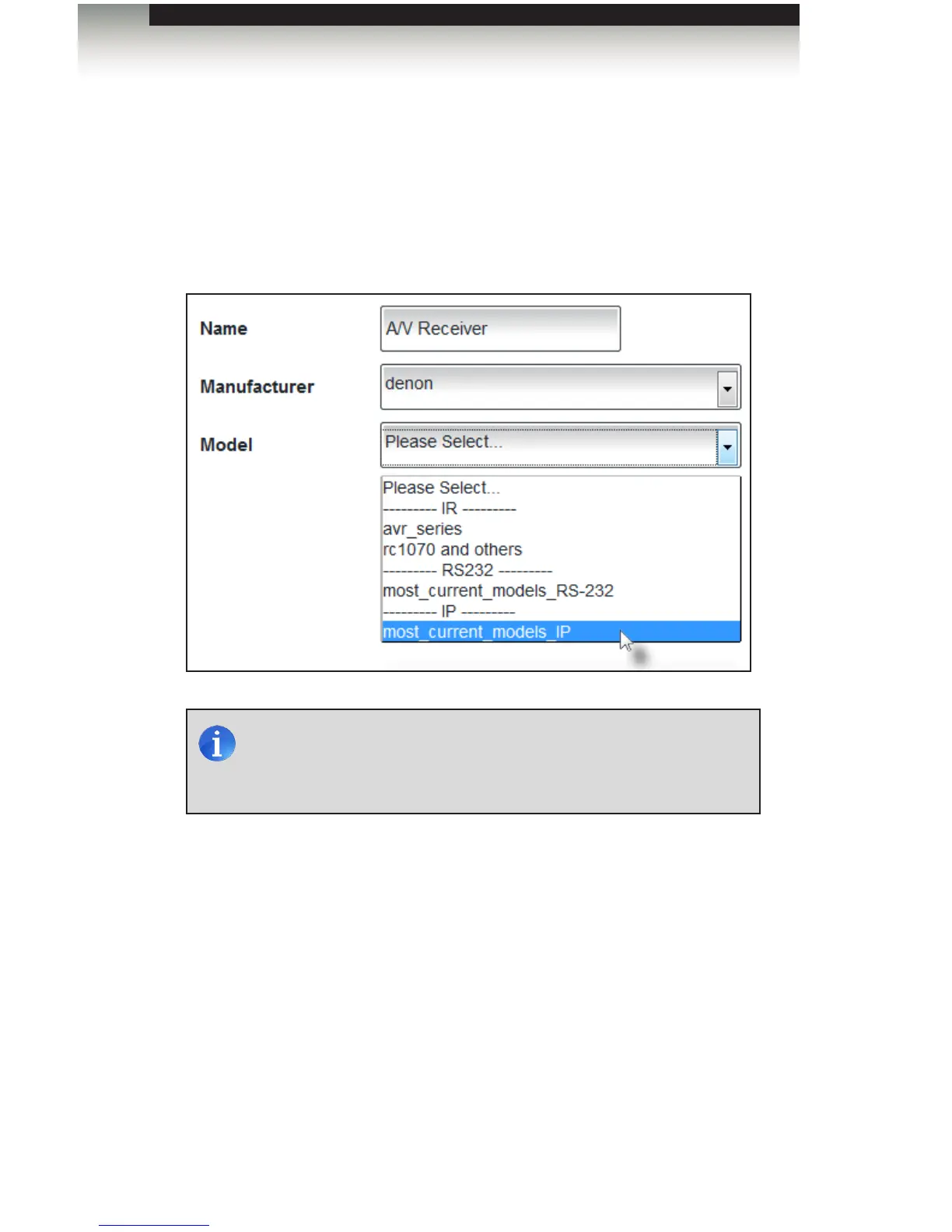
1. Select most_current_models_IP from the Model drop-down list.
Devices may be controlled by IR, RS-232, or IP, depending upon the device
capabilities. Select the driver that is most appropriate for your installation.
The list of available models will be dependent upon the selected manufacturer.
2. Click the Next button in the lower-right portion of the screen the current settings and
continue to the Control tab.
NOTE: The listed drivers have been tested by Gefen and will work
for most models and selected manufacturers. If the selected driver
does not operate your device, then you may learn a new IR driver.
See Learning a New Device for more information.
Adding Rooms
Using the GAVA Wizard



 To Next Page