page | 66
Adding Rooms
Using the GAVA Wizard
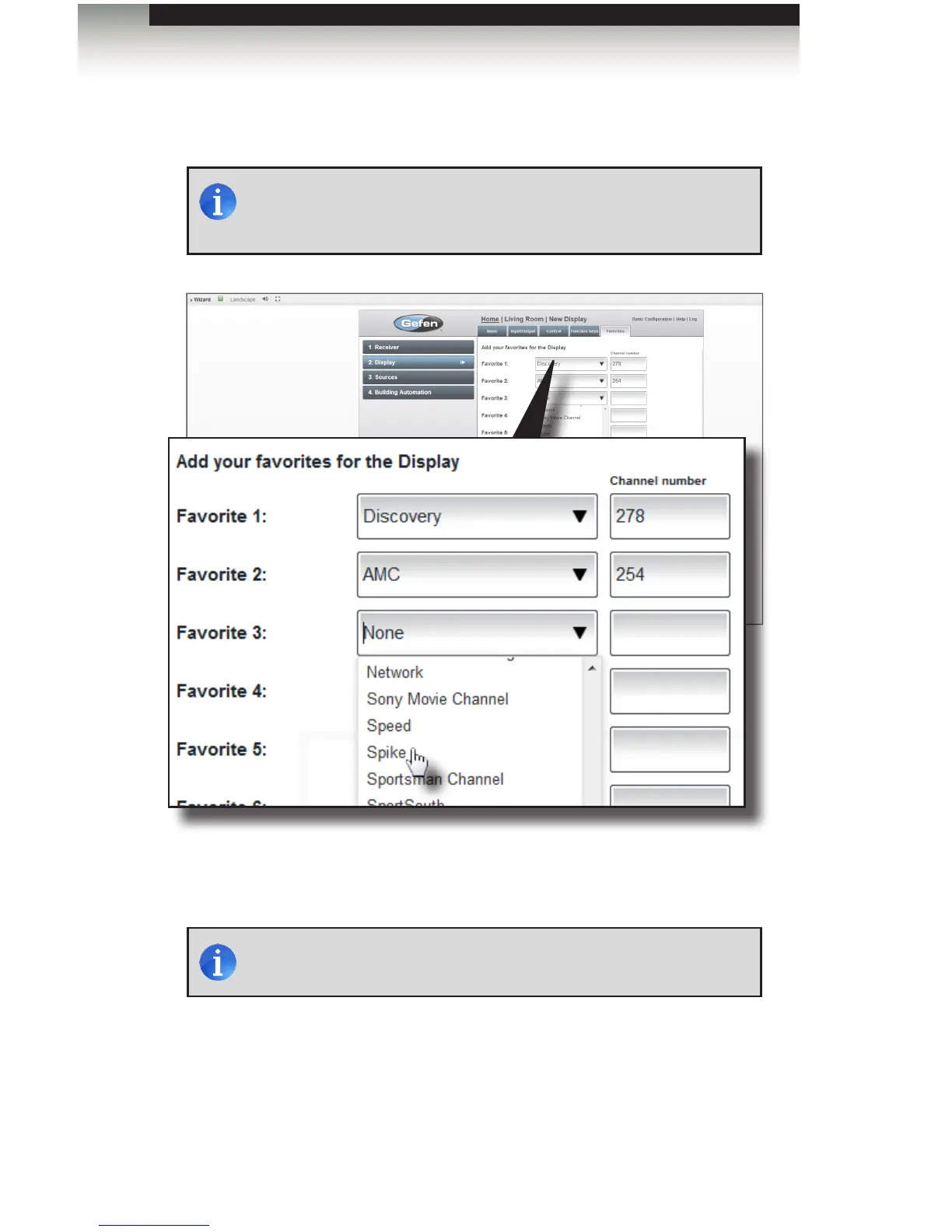
16. Up to 12 Favorite channels can also be added: Select the channel name from the
drop-down list and enter the channel number in the Channel number eld.
17. Click the Save button in the lower-right corner of the screen to save all changes.
The next step will be to set-up the source devices.
NOTE: If the icon for the selected channel is not in the list, type the
channel name in the drop-down list box.
NOTE: This page selects Favorite Channels from the TV tuner. If you
have cable or satellite service, you should add your favorite channels
to your set-top box, instead.



 To Next Page