page | 81
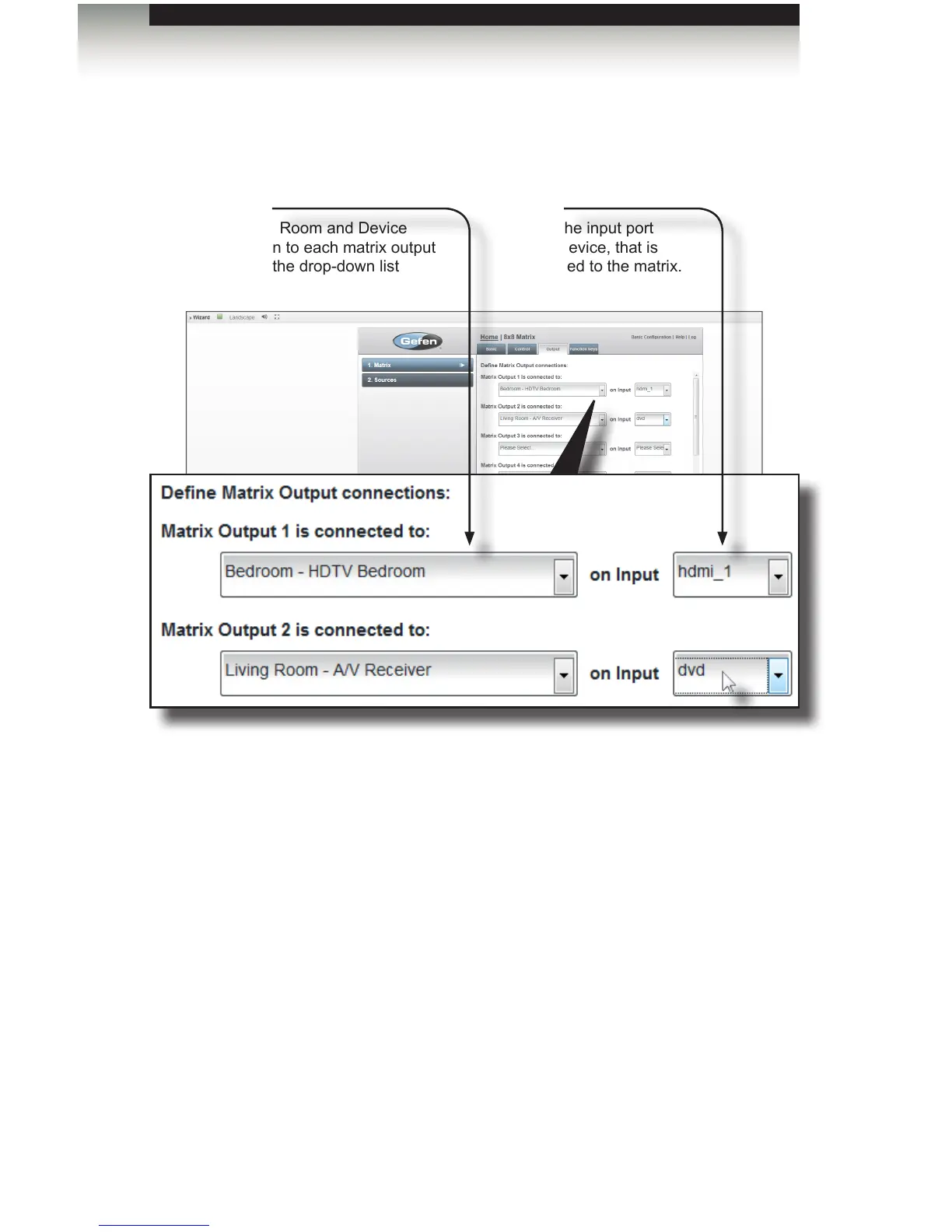
10. Select the outputs and inputs to connect the matrix to each device. The specied
outputs and inputs in the software must match the physical connection of each device
to the matrix.
11. Click the Next button to proceed to the Function keys tab.
Adding Rooms
Using the GAVA Wizard
Outputs
Select the Room and Device
connection to each matrix output
port from the drop-down list
Inputs
Select the input port
on the device, that is
connected to the matrix.



 To Next Page