page | 85
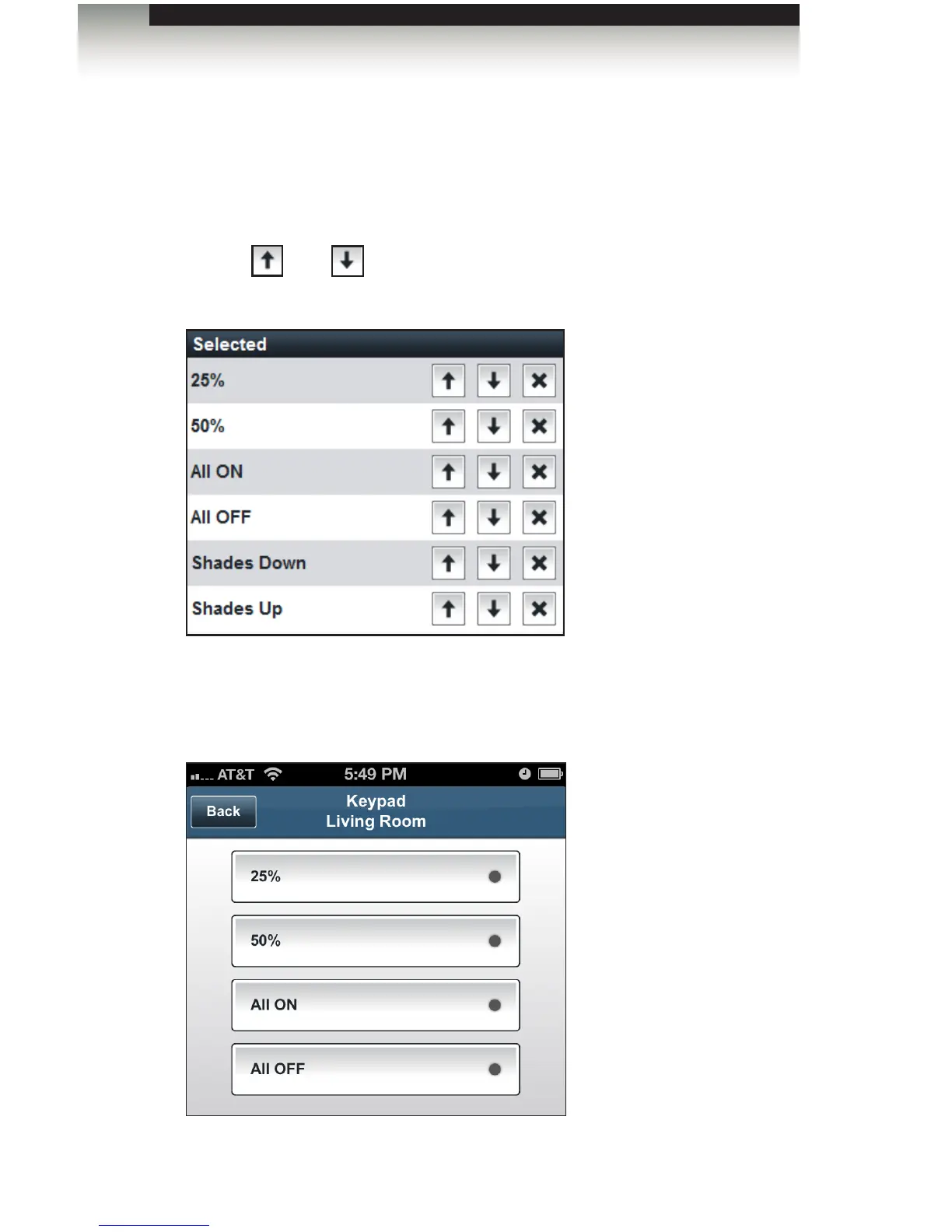
Now let’s say we want the Keypad elements to appear in the following order: “25%”,
“50%”, “All On, and “All Off”.
1. Click “Living Room”, under the Rooms tab.
2. Click the Building Automation tab and select RadioRA 2.
3. Use the and buttons to arrange each element under the Selected list so
that they appear as follows:
4. Click the Save and Close button in order to save all changes.
5. Once the GUI is generated, the Keypad control will be updated, as shown below.
Adding Rooms
Using the GAVA Wizard



 To Next Page