10
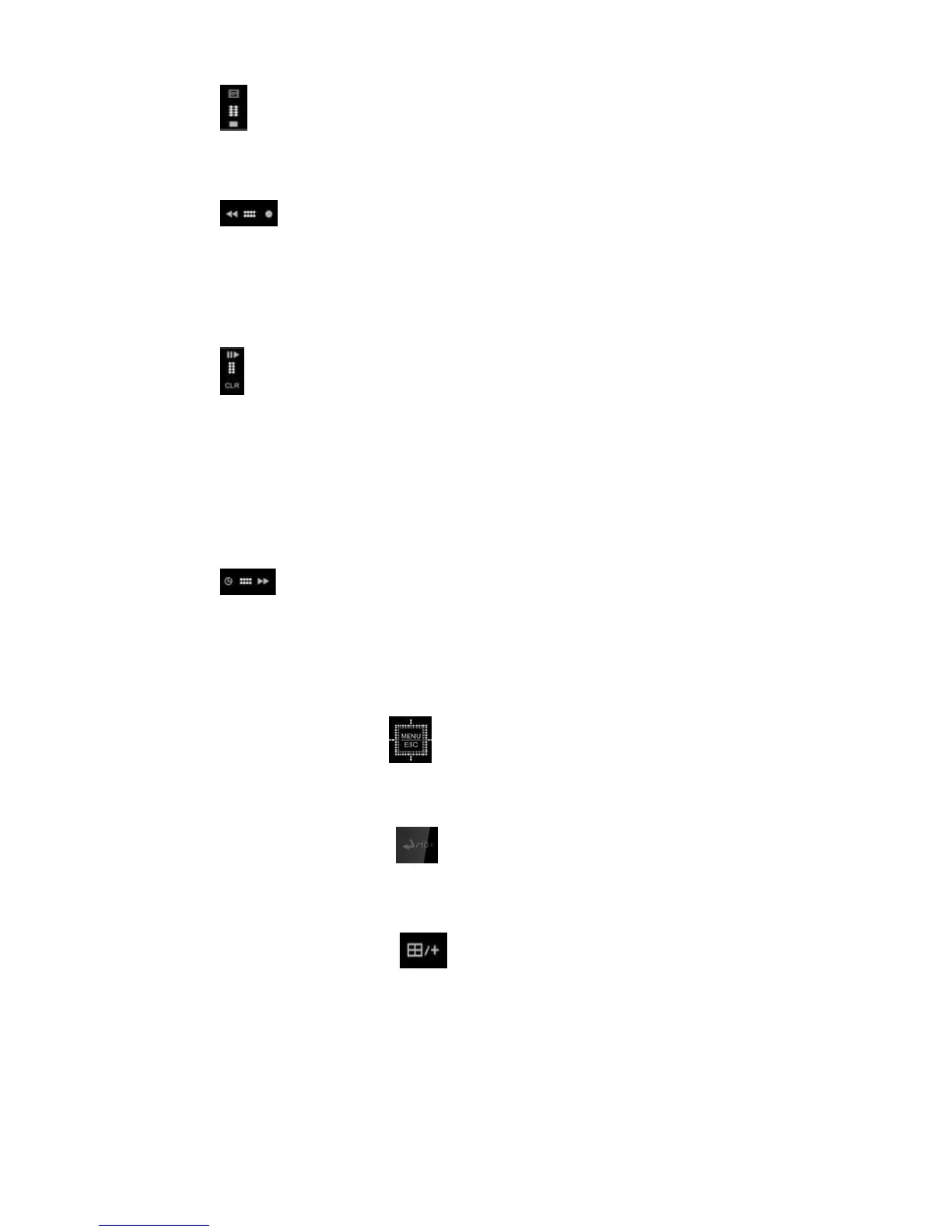
2) [LOG / Playback Stop]
① Log: Press this button to access the log list.
② Stop: This button stops playback.
3)
[R Step or FR / REC ]
① Reverse Step: This button is used to move reverse field by field during
STILL mode.
② Fast Rewind: This button is used to fast rewind during PLAYBACK mode.
③ REC: Press this button to start recording. Press the button again to stop.
4)
[Clear / Still or Playback]
① Clear: This button is used to hide the On-Screen-Display information such
as the time, date and channel icons. This button removes alert icons on
the corner of the screen (AL, VL and PL). This button is also used to turn
off the alarm buzzer.
② Still or Playback: This button is used to still or 1x playback during
PLAYBACK mode.
5)
[Log In & Out / F step or FF]
① Log In/Out: Press this button to toggle Log In and Out.
② Forward step: This button is used to move forward field by field (picture
by picture) during STILL mode.
③ F.F.: This button is used to Fast Forward during PLAYBACK mode.
3. Menu / ESC Button
① Menu: Press this button to display the MAIN MENU screen.
② ESC: Press this button to exit menu without saving.
4. Enter and 10+ Button
Press this button to save menu settings or choose channels numbers over
10. For example, press this key and “6” to see channel “16”.
5. QUAD and Plus Button
Press this button to display cameras in multi-screen view. Use this button
to change DVR channel or increase numbers in the Setup Menu.
6. Channel / Numeric Buttons
Press these buttons to enter data or make selections. Press “–” or “+” to
enter appropriate numbers when prompted for a password, or



 To Next Page