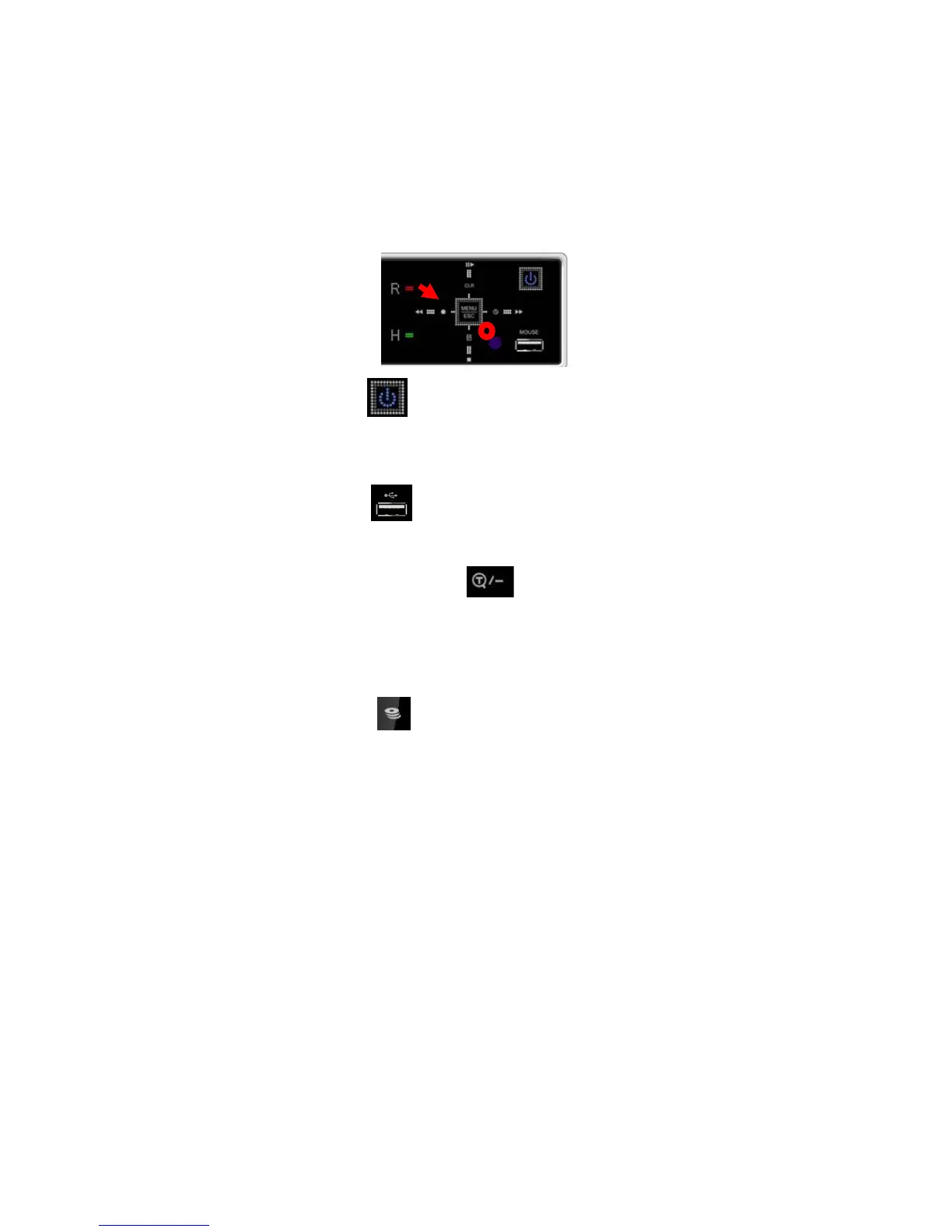
11
appropriate dates in schedule option mode.
[-, +] To Decrease a setting, to Increase a setting.
7. Remote Control Signal Receiver
Do not block the receiver port on the unit. Doing so may cause problems
when using the remote controller.
8. Power Button
Press this button to turn the power ON; press again to turn the power
OFF. The Power LED indicator is lit when power is on.
9. USB Port
USB port allows small backups of video files to a USB device.
10. Time Search and Minus Button
Press this button to enter the calendar and time search menu. This button
can also be used to change DVR channel or descrease numbers in the
Setup Menu.
11. Backup Button
Press this button to go to the Backup Menu. You can set the time and
channels from which to backup footage from the DVR.



 To Next Page