63 DIGITAL VIDEO RECORDER
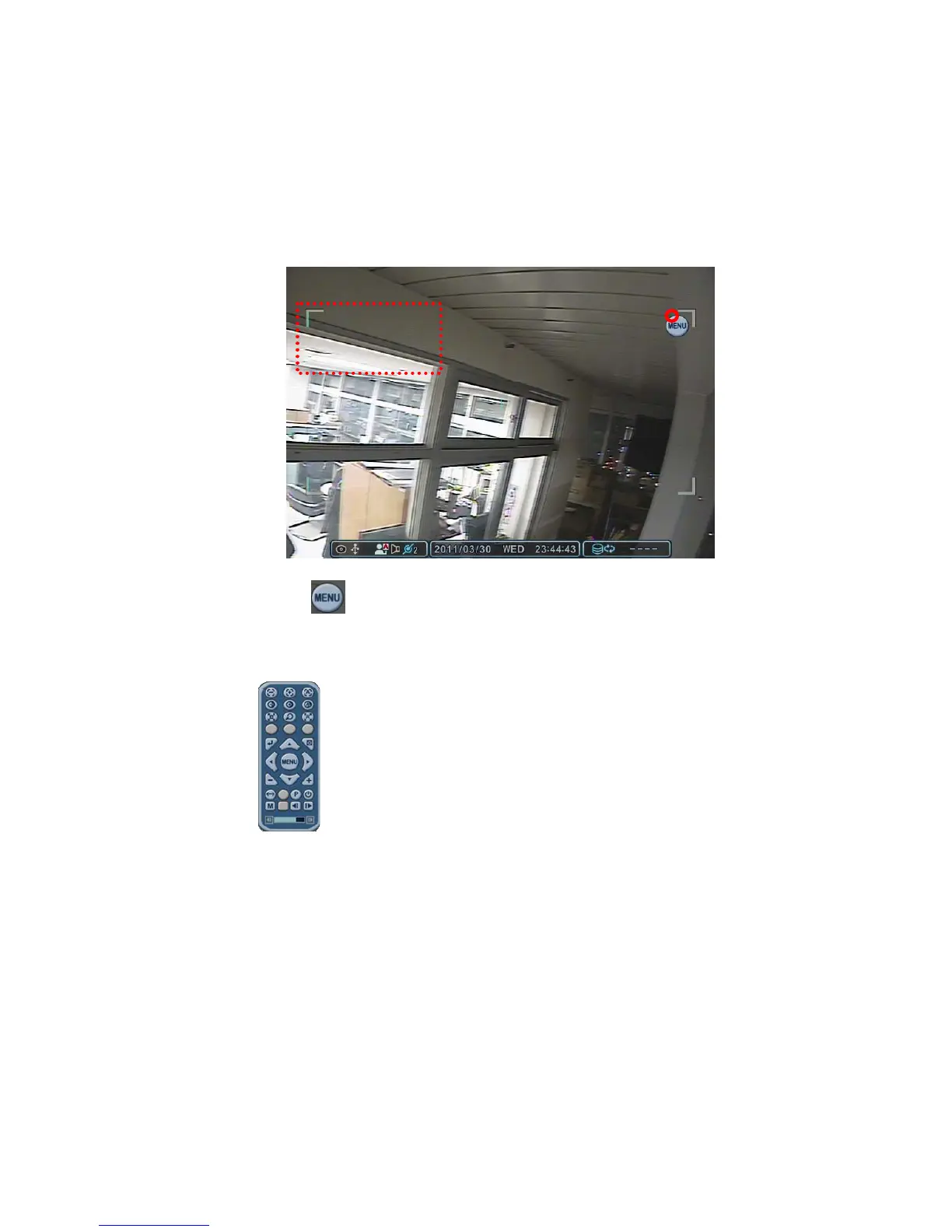
3) Place the mouse cursor inside the rectangle boundary, press and hold
the left mouse button and move the mouse cursor in the direction you
want the camera to move.
Note: Mouse cursor cannot move out of the rectangle while holding
down the left mouse button.
.
4) Press the
menu button to display the virtual PTZ controller. Zoom
In/Out, Goto, Tour and other functions can be controlled using the
virtual PTZ controller.
5) To exit from PTZ mode, press the ESC button on the PTZ controller. Or
click the right button outside of thecontrol box to display the vitrtual
remote controller.



 To Next Page