5.6.4 Channel
5.6.4.1 Digital Channel
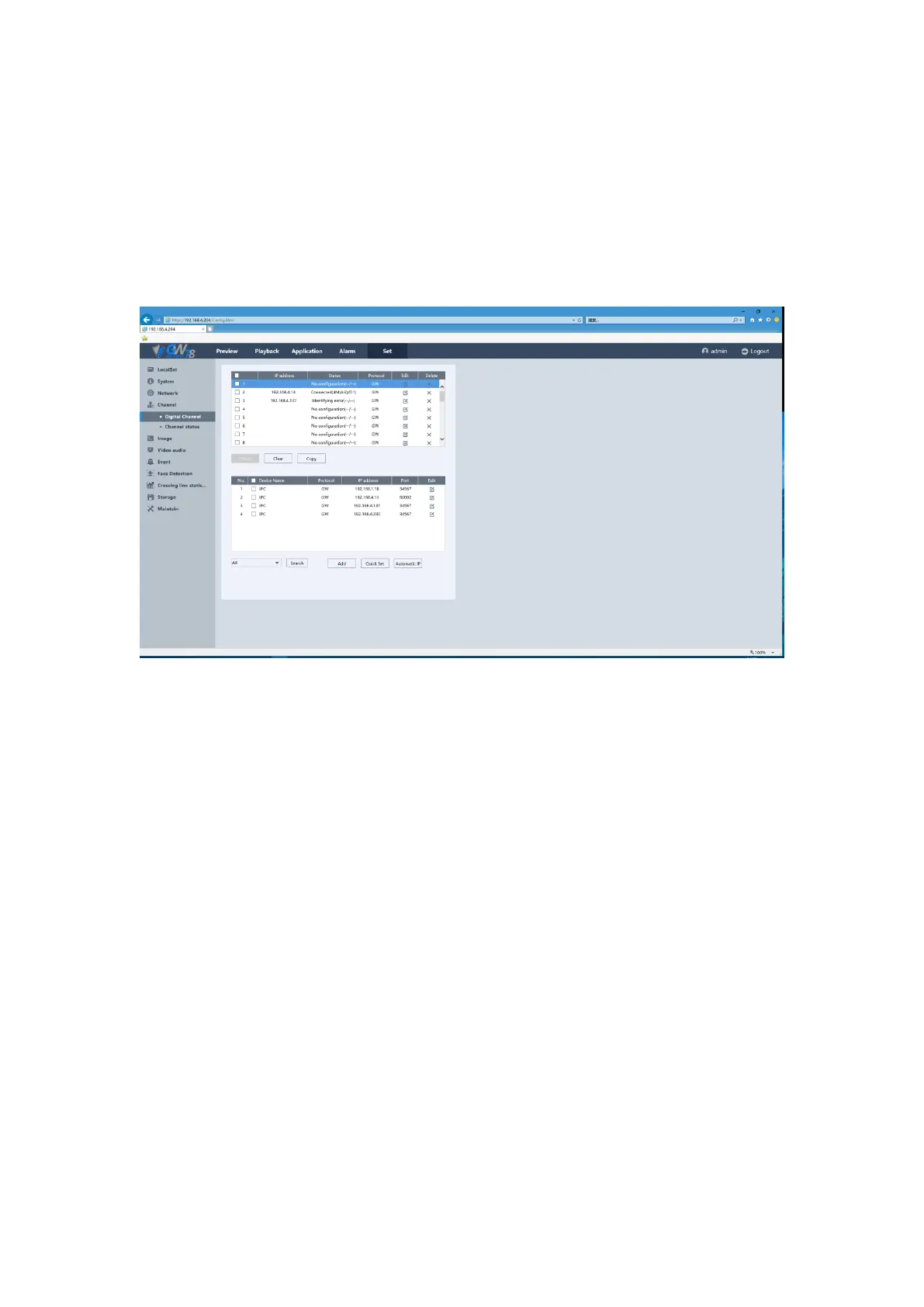
Click Set ->Channel ->Digital Channel. You can search the IPC in the Internet and set their
parameters, including IP address, port, username/password and protocol. As show in figure 5-27.
Figure 5-27 Digital Channel of NVR
5.6.4.2 Channel Status
Click Set ->Channel ->Channel Status. On this page, you can check the channel name, channel
connection status and alarm status, including Motion Detect, Masking and Video Loss. As show in
figure 5-28.


 To Next Page
 Loading...
