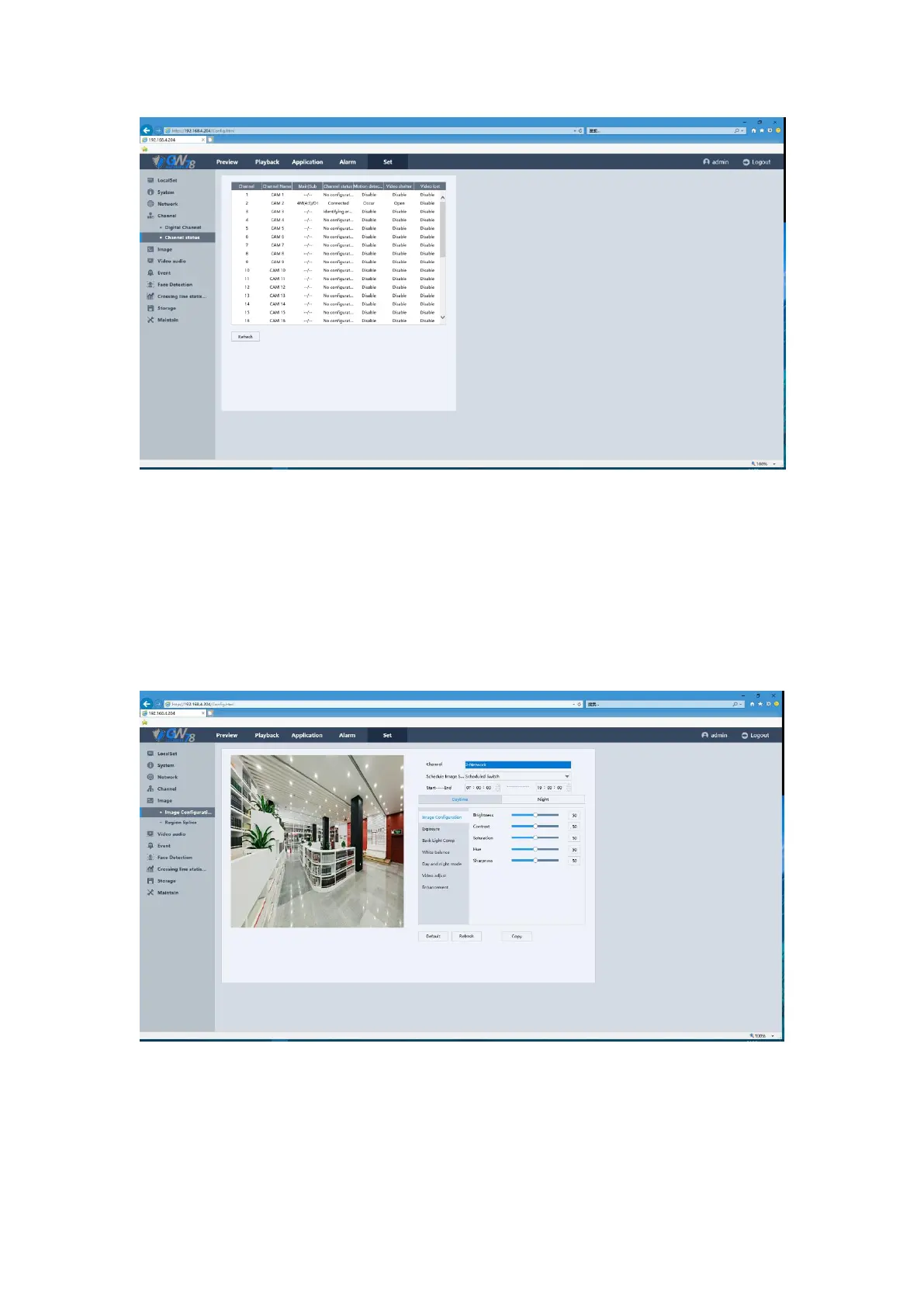
Figure 5-28 Channel Status of NVR
5.6.5 Image
5.6.5.1 Image Configuration
Click Set ->Image –>Image Configuration to enter the interface, as show in figure 5-29.
Figure 5-29 Image Configuration Interface
1. Select a channel and then set the relevant parameters, when all the parameters have
been configured.
2. If you want to configure the same parameters to another channel, click the Copy button
and select any channel you want.
3. Click OK button to save.



 To Next Page