5.6.5.2 Cover
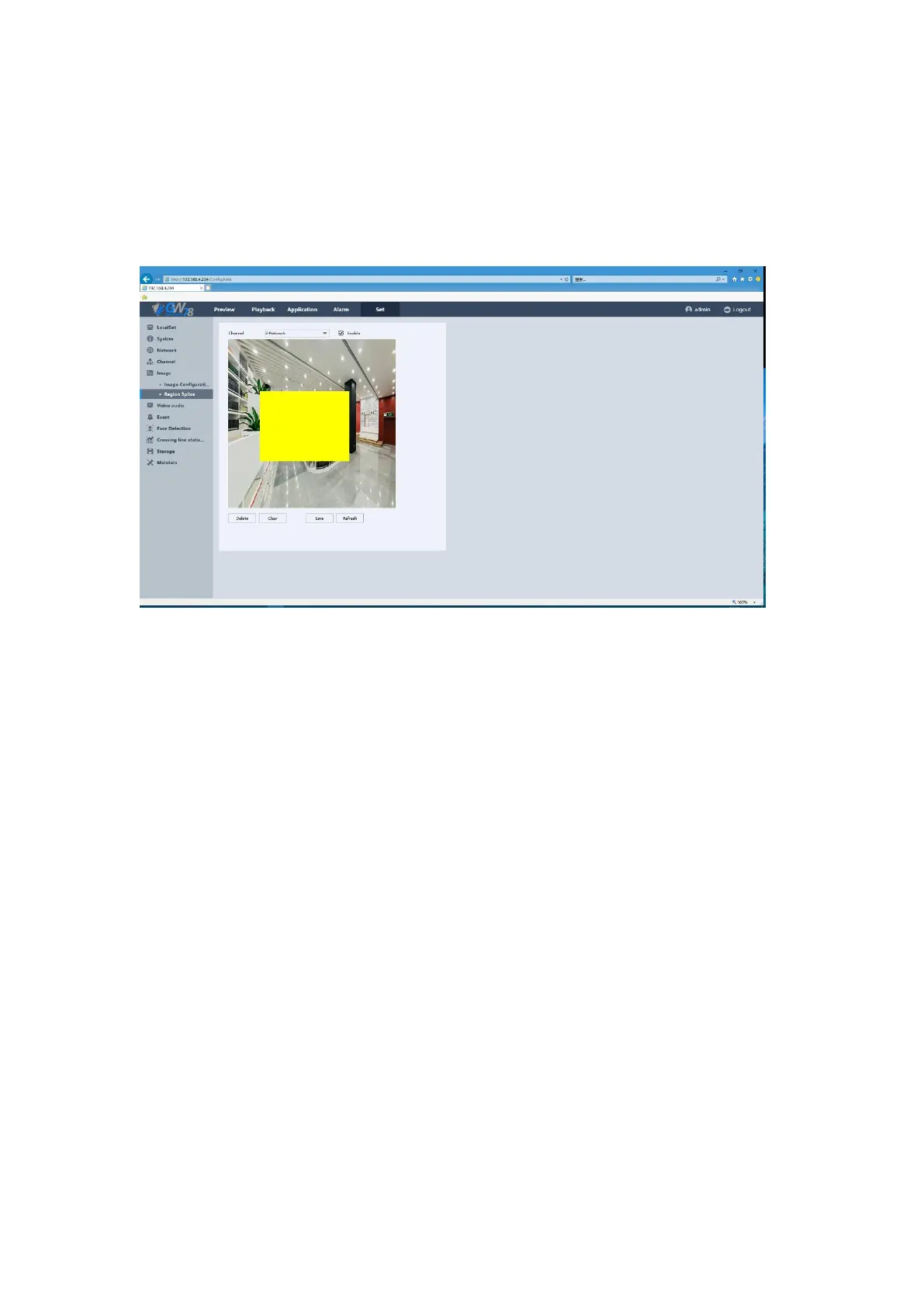
Click Set ->Image –>Cover to enter the interface, as show in figure 5-30. On this page, you are
allowed to configure the four-sided privacy mask zones that cannot be viewed by the operator.
The privacy mask can prevent certain surveillance areas to be viewed or recorded.
Figure 5-30 Cover Setting Interface
5.6.6 Image
5.6.6.1 Video Setting
Click Set ->Video –>Video Setting to enter the interface, as shown in figure 5-31.



 To Next Page