Main menu: The main menu includes playback, setting, maintain, backup and
shutdown.
Startup wizard: Please refer to section 3.2 for more information.
Automatic channel config: When you right click the mouse and choose Auto Channel
Config, the NVR will automatically add available IP cameras on the same Network as NVR
IP channel: it is a shortcut access to IP channel interface.
Channel status: it is a shortcut access to IP channel status interface.
Playback: it is a shortcut access to playback interface.
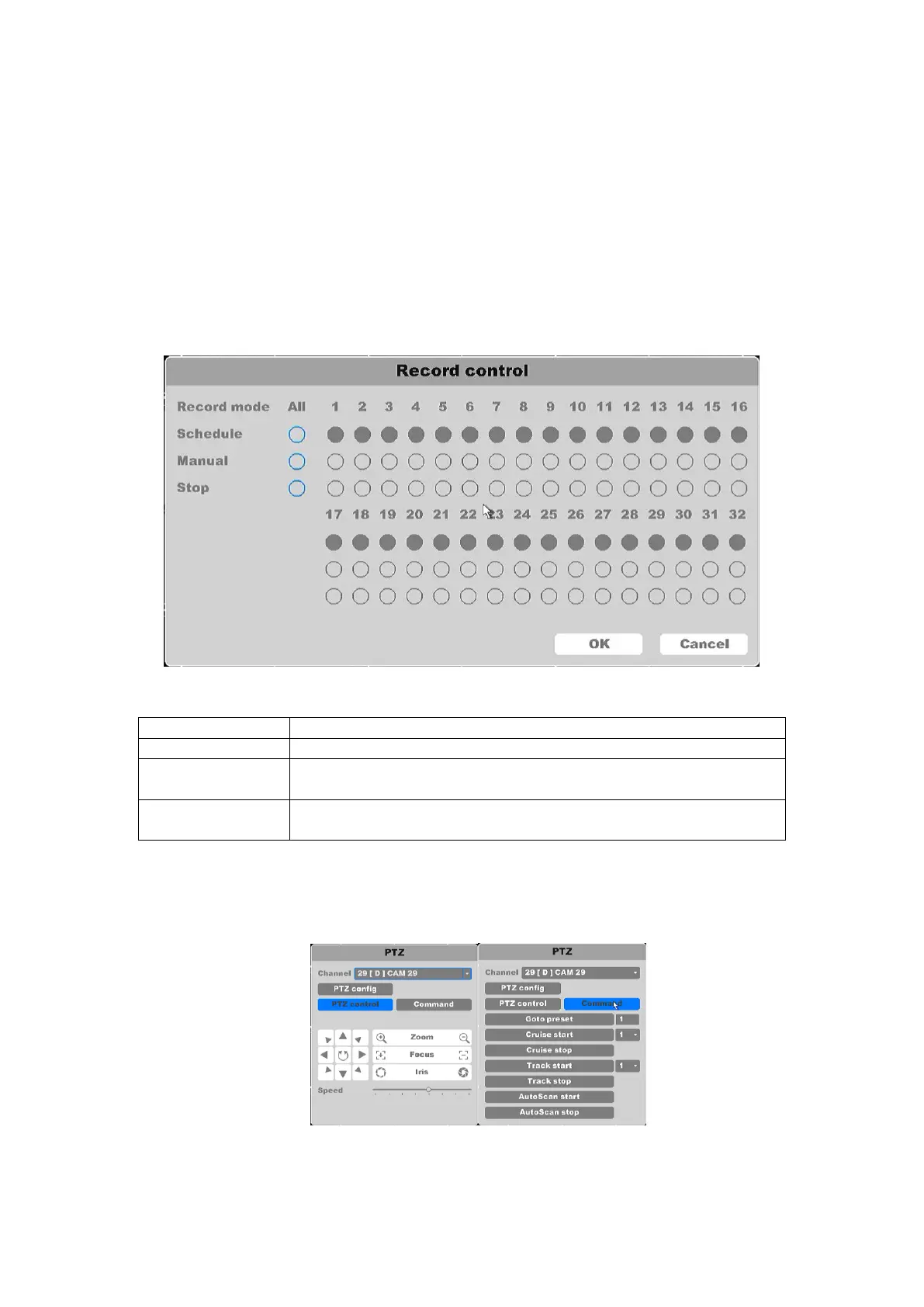
Quick Record: You can check current channel status: “○” means it is not selected, “●”
means it is selected.
Figure 4-6 Quick Record
Record according to the configuration.
Click the button and the according channel will record immediately
regardless of the current state, will continue to record until disabled.
Click the stop button and the according channel will stop recording
regardless of the current state.
Table4-3Quick Record
PTZ control: Operation interface is as shown in figure 4-7. The functions include: PTZ
direction control, speed, zoom, focus, iris, setup operation, patrol between spots, pattern,
border, and tour.
Figure 4-7 PTZ Control



 To Next Page