Color setting: it is a shortcut to settings ->Channel management ->Image color settings
window.
Output adjust: it is a shortcut access to settings ->System settings ->Output control
interfaces.
Mute: The speaker mute switch, Icon means speaker turns on, icon means
speaker turns off.
Logout: Shutdown, restart system, logout menu user and switch user, as shown in
figure 4-8.
Figure 4-8 Logout
Screen switch: Preview in single screen/four screens/eight screens /nine screens
/sixteen screens according to your choice.
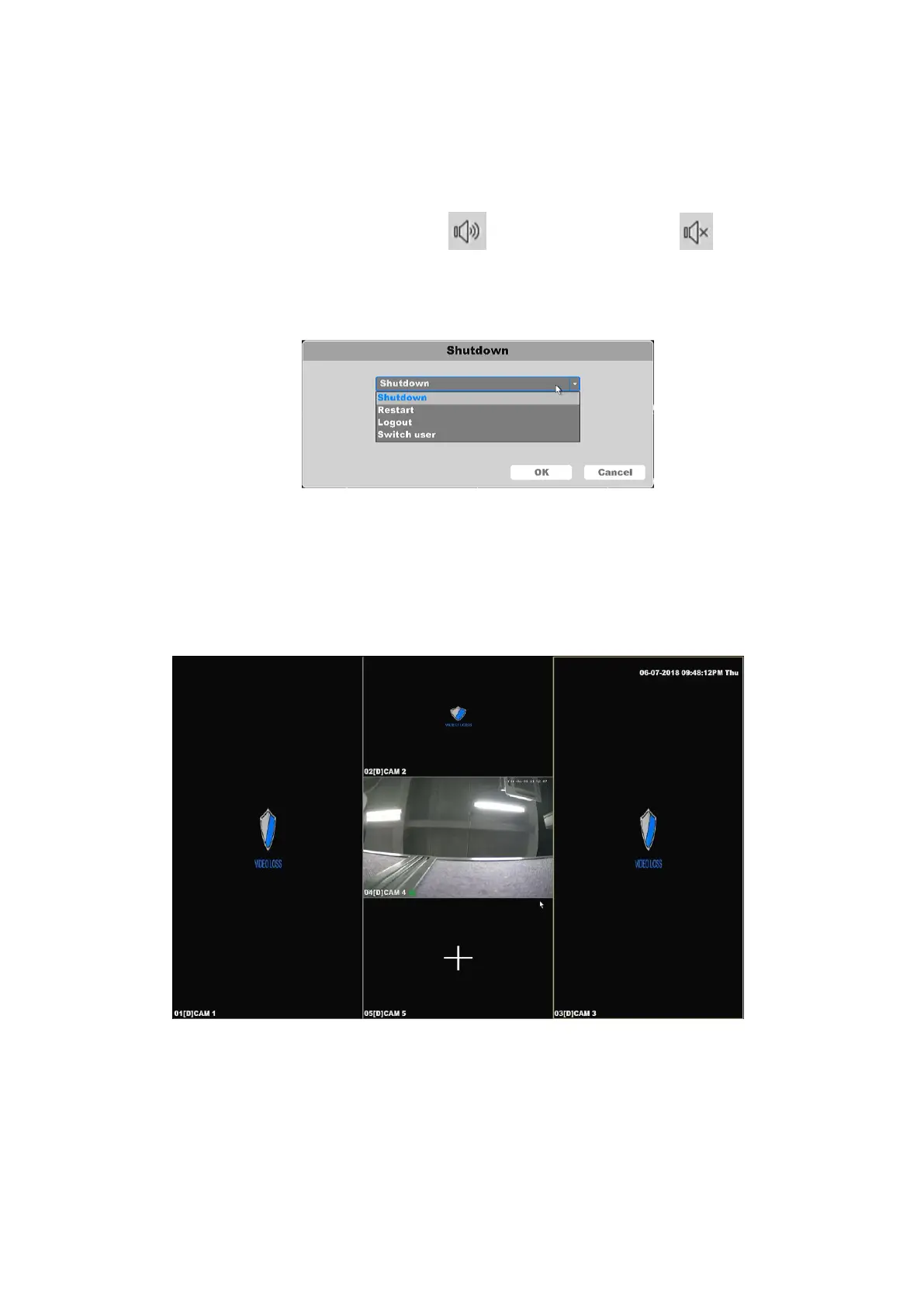
Corridor Mode: Preview in three screens (as shown in Figure 4-9)/four screens/five
screens /seven screens /nine screens/ten screens/twelve screens/sixteen screens according
to your choice.
Figure 4-9 Corridor Mode – Five screens



 To Next Page