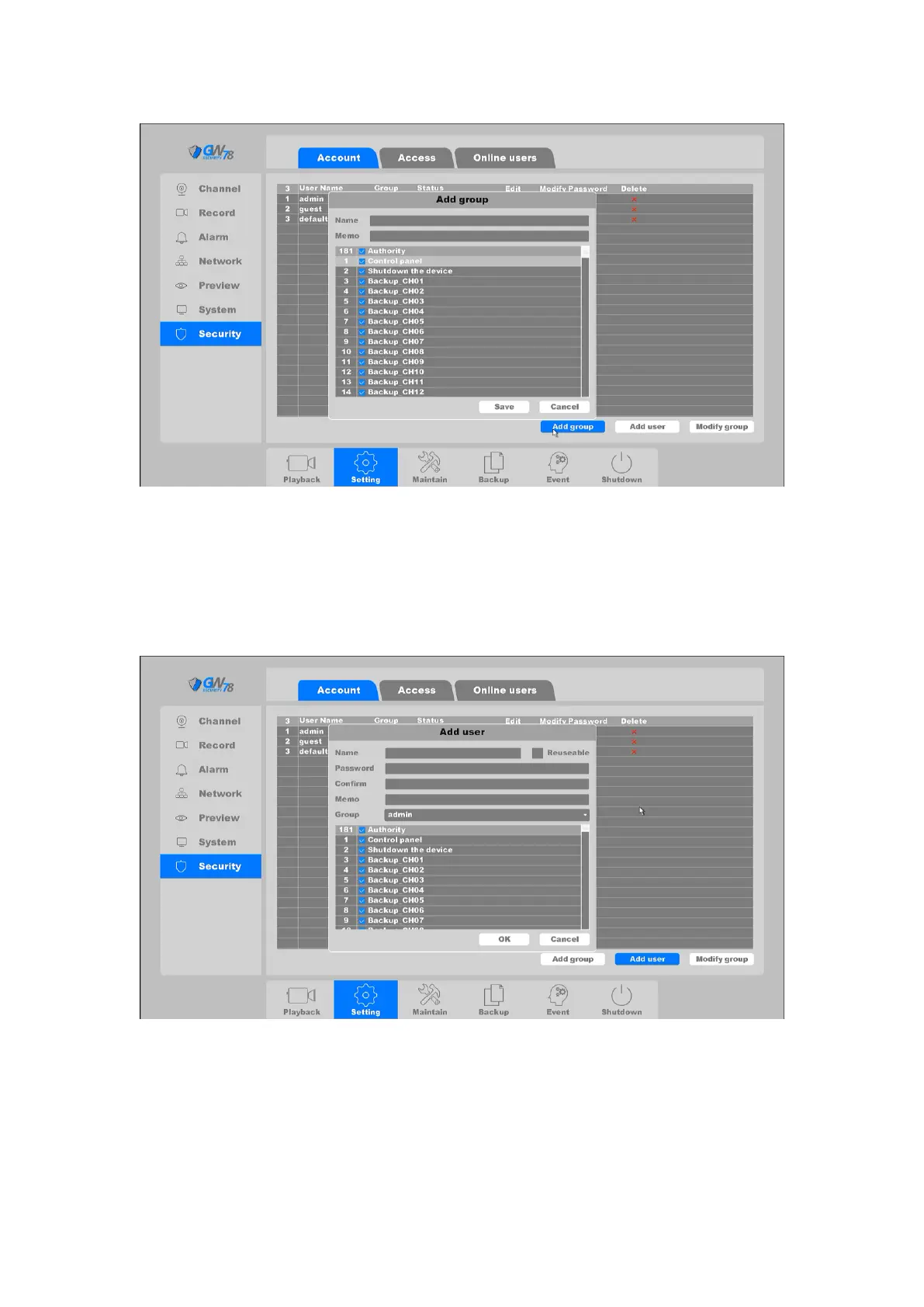
Figure 4-18 Add group
Add user: Add a user in the group and set the user permission. Enter the menu
interface and input the user name and password. Choose the group and choose whether
using the. Re-useable function, this function allows multiple users use the same account to
login. User’s right cannot exceed group’s right. We recommend that the common user’s
permission is lower than the advanced user.
Figure 4-19 Add user
Modify Group: Modify the existing groups’ attribute, as shown in figure 4-20.



 To Next Page