4.3.2 Security
4.3.2.1 Account
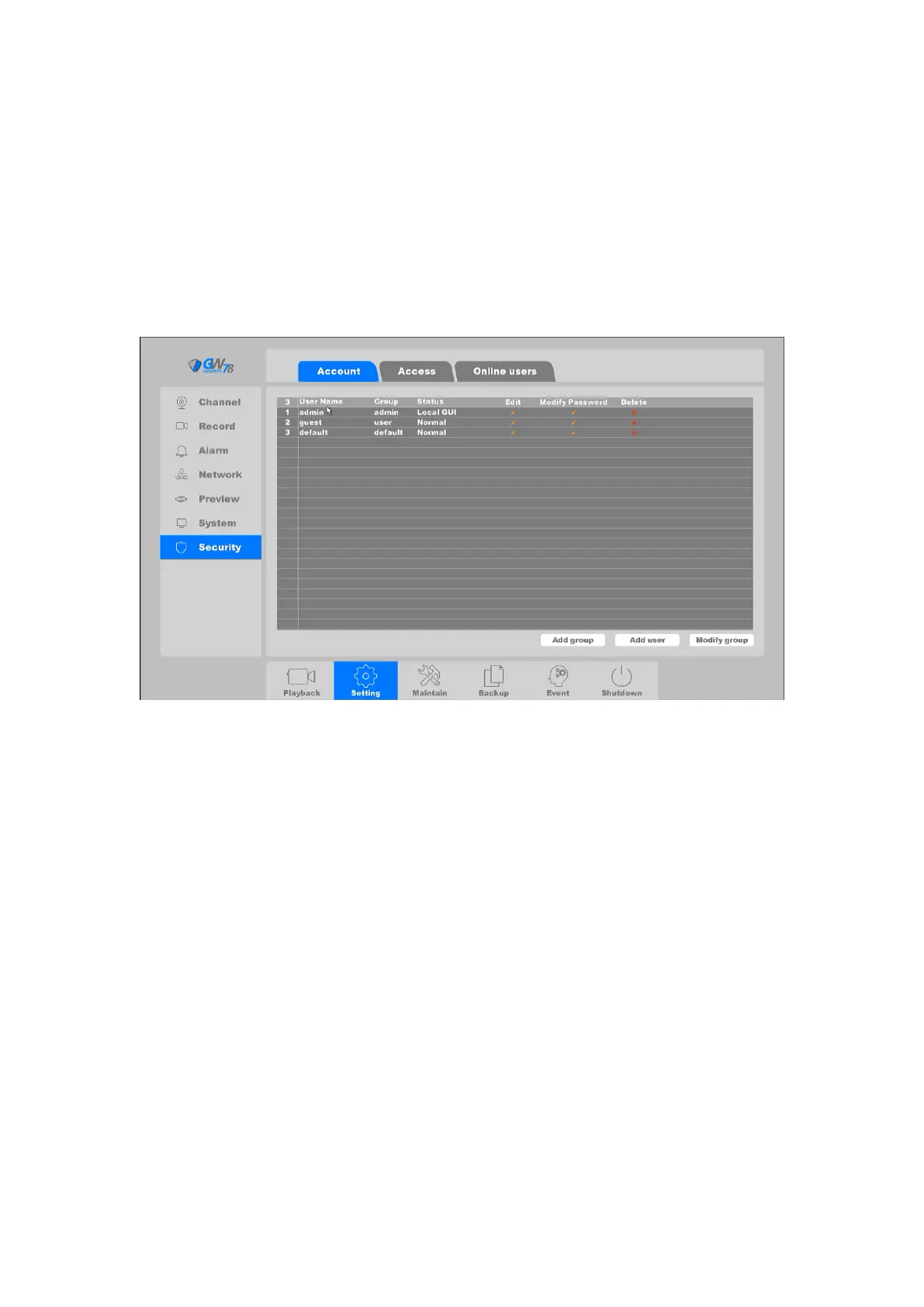
Click on "Setting -> System ->Account", as shown in figure 4-17.
There are three default accounts in the NVR: admin/guest/default. The account of admin is an
administrator, it has the permission to add and delete any user and configure user parameters.
Figure 4-17 Account
Note
:
The character length of name is 64 bytes at most for the following users and users’
group. Legal characters include: letters and numbers, other characters are forbidden.
The user management includes: group/ user. One user should belong to one group.
Add Group: Add a user group and set the permission. There are 73 different
permissions: control panel, real time surveillance, playback, recording setup, video file
backup and so on.



 To Next Page