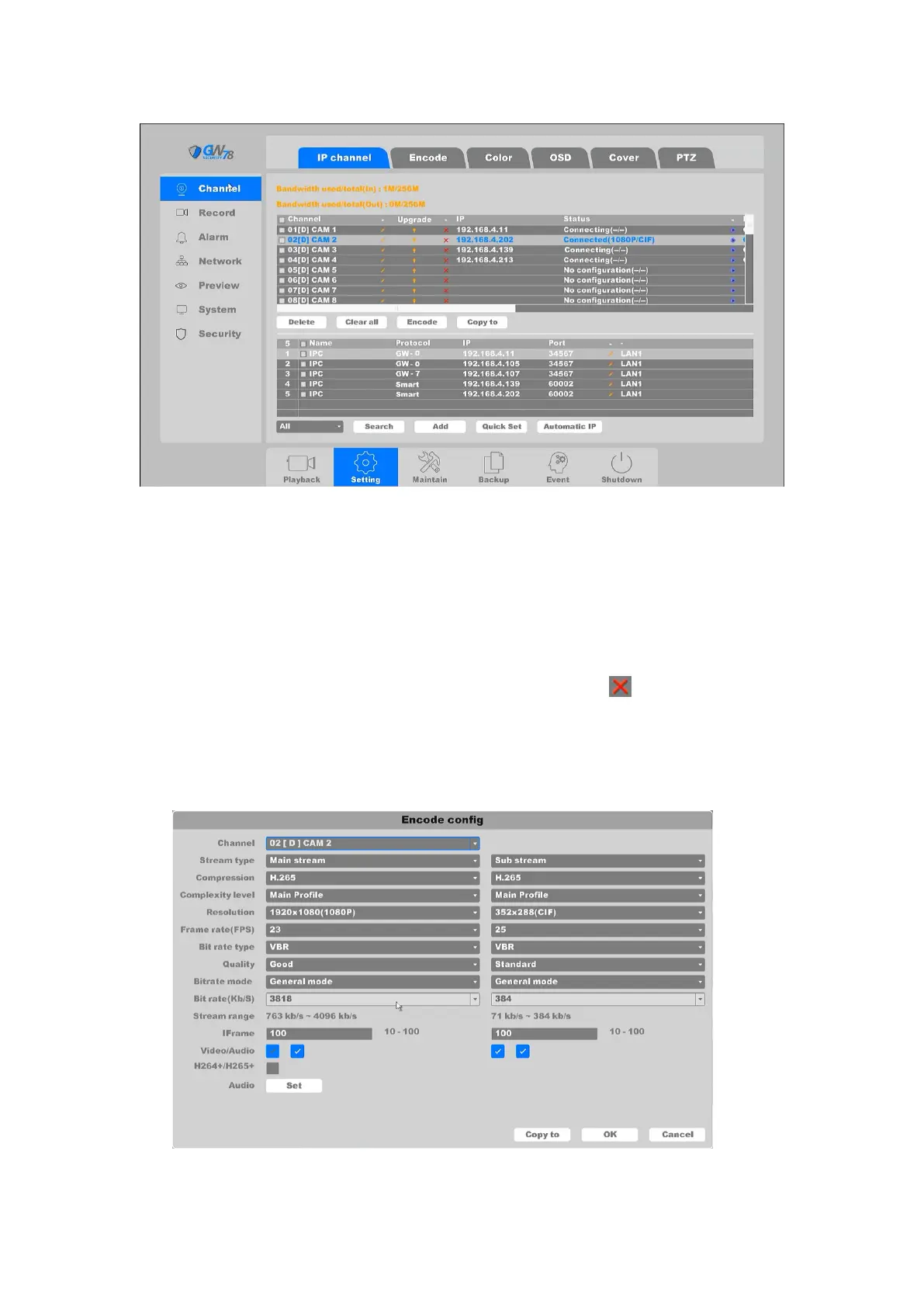
Figure 4-48 IP Channel Setting
4.3.6.1.1 Device edit
The list above shows the channel name for each channel, IP Address, connection protocols,
connection status. Also, includes:
Delete: Delete the IPC highlighted. Also you can click the icon to delete the IP
camera.
Clear All: Clear all the connected IPCs.
Encode: Settings for the connected IPC fast encode settings. As shown in figure 4-49.
Encode For the details, please refer to chapter 4.3.6.2 Encode.
Figure 4-49 Encode Config



 To Next Page