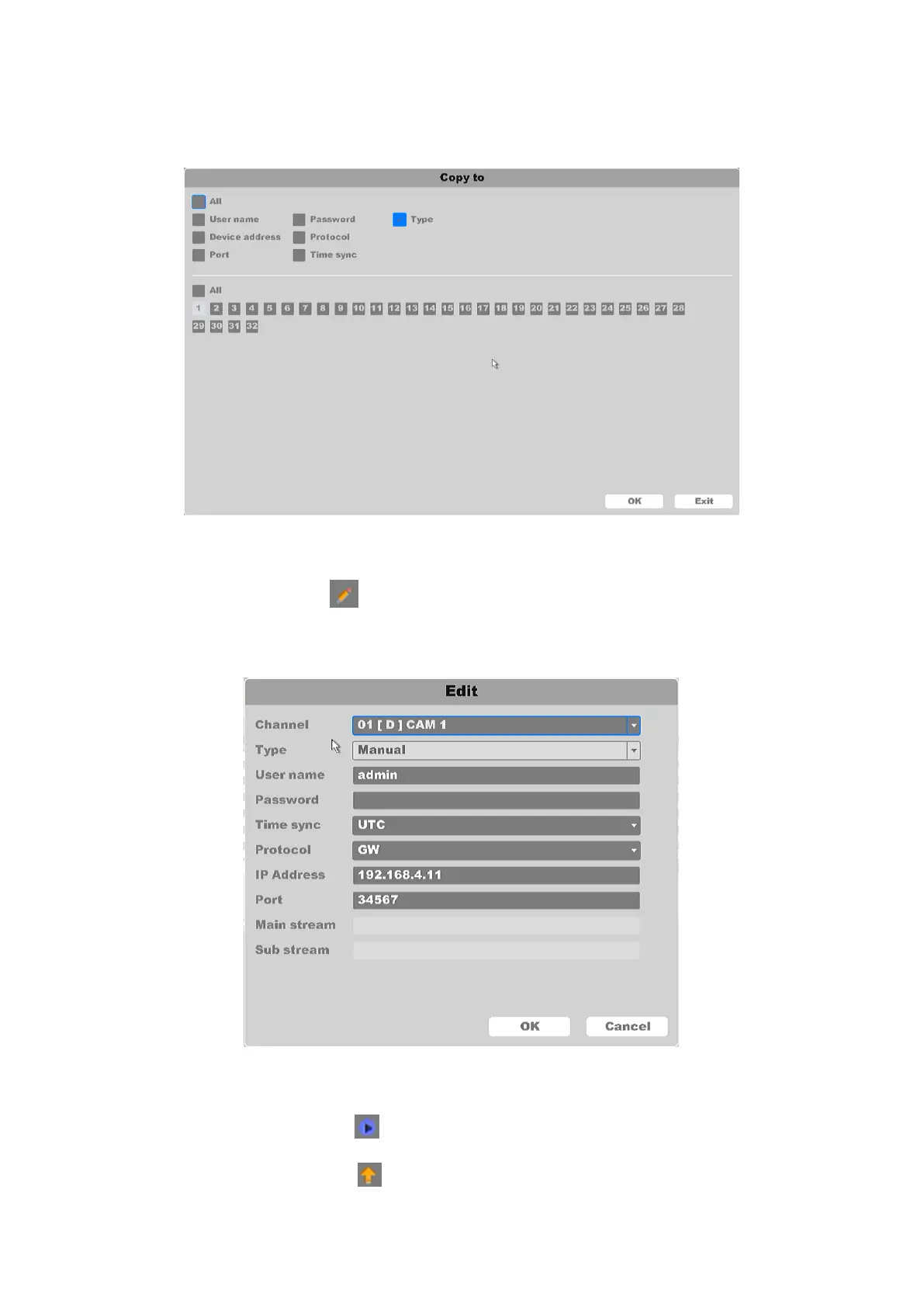
Copy to: You can choose to copy the IPC Parameters of one camera to the remaining
number of channels. As shown in figure 4-50.
Figure 4-50 Copy the Encode Setting
Edit: Click the icon , and enter the screen of Edit. Select channel, enter the user
name and password of the IP Camera then select the: time sync type, connection protocol
type, modify or add IP address, port number. As shown in figure 4-51.
Figure 4-51 IPC Edit
Preview: Click the icon , and you can see a preview of the connected channel IPC.
Upgrade: Click the icon , and upgrade IPC connected. As shown in figure 4-52.



 To Next Page