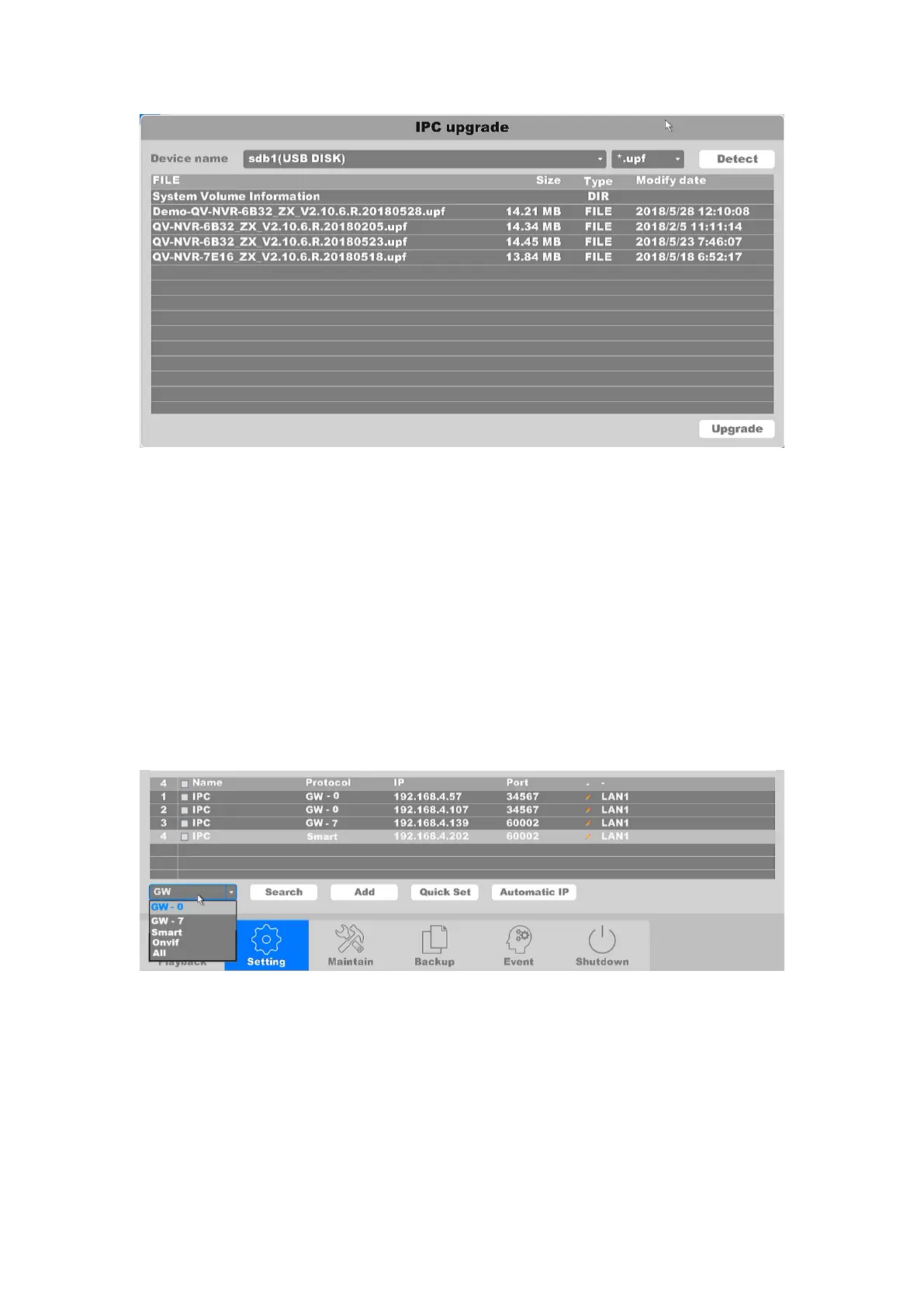
Figure 4-52 IPC upgrade
After all the settings finished, click the button Apply to save all changes.
4.3.6.1.2 IPC Searching
This list shows: the device name, type of agreement, IP Address, port number, and access
networks of all IP cameras that have found in the same subnet.
Search: Scope search contains: private agreements, ONVIF Protocol search, and
comprehensive search of both types of agreements. Click to search all of the devices under
the same network segment. You can click the protocol drop box and select the
corresponding protocol. Please refer to the Figure 4-53.
Figure 4-53 IPC Search
Add: Devices are selected from search list, then clicking the add button will establish a
connection between the cameras and NVR.
Quick Set: Click the button to add all IPCs to the channels automatically according to
what's found by the NVR.
Automatic IP: Auto assign IP address to the IP cameras. The assigned IP address are at
the same segment with the NVR.



 To Next Page