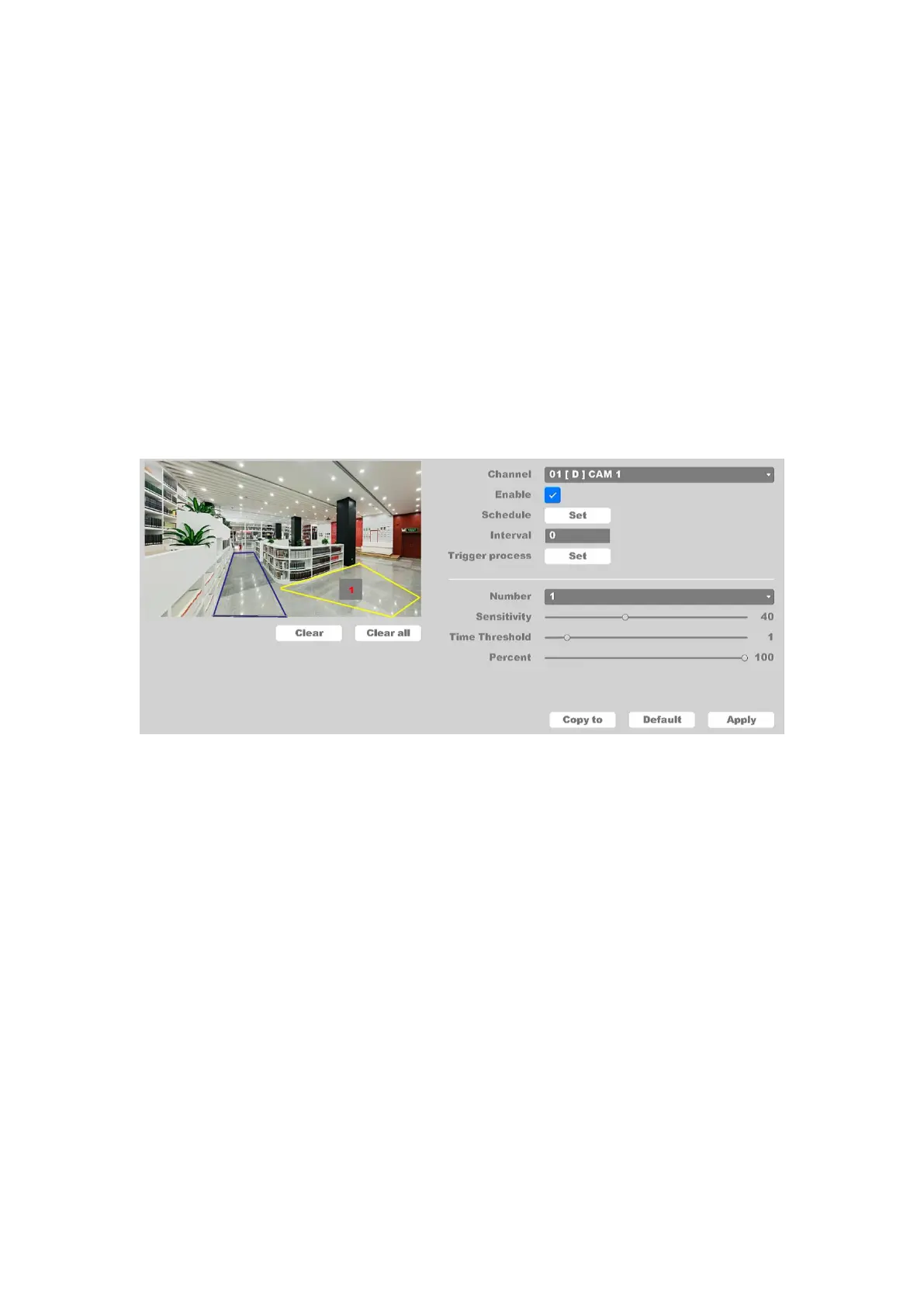
Interval: Set the time interval of each intrusion detection triggered.
Trigger process: Set the handling action of intrusion detection; please take the setting
of chapter 4.3.3.1 motion detection for reference.
You can add a virtual area to the surveillance area using the following steps:
1. Choose the area number, the maximum number of the area is 4.
2. Set detect time threshold. For example, if you set the time threshold to 5 seconds and
someone intrudes your area for about 3 seconds the alarm will not be triggered until
the perceived movement lasts at least 5 seconds.
3. Adjust the sensitivity. Range from 1-100. The higher the value is, the more easily the
detection alarm can be triggered.
4. Percent. Range from 1-100. For example, if you set the percent is 50, alarm will be
triggered only when the area be intruded by more than half.
5. Click the Apply button to save the settings.
Figure 4-89 Set Intrusion Zone
4.6.1.3 Region Entrance
Click on the " Event -> Alarm -> Region Entrance", as shown in figure 4-90.
Region Entrance function detects people, vehicles, and other objects entering in a forbidden pre-
defined virtual region from outside; certain actions can be taken when the alarm is triggered.



 To Next Page