User Manual
Page 27
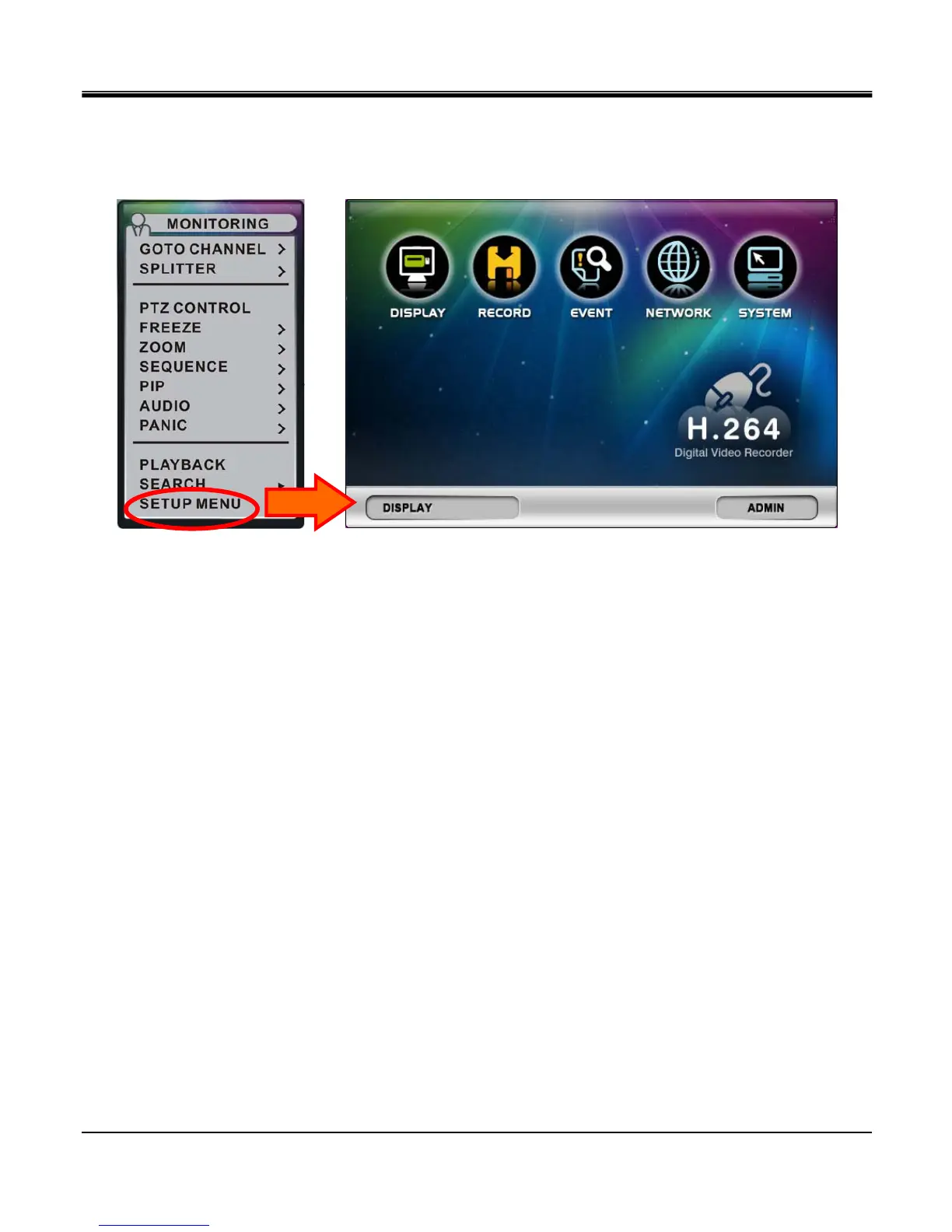
z Setup menu
To access the main menu, press the “Menu” button on the frontal keypad or remote controller, or you can right click the
mouse from the live view display and click on “SETUP MENU”.
nSetup Group Indication: Indicates which icon selection is currently selected.
oUser Account Indication: Indicates which user account is currently selected
pSetup Group icon: There are 5 setup group icons “DISPLAY”, “RECORD”,
“EVENT”, “NETWORK” and “SYSTEMS
n o
p



 To Next Page