User Manual
Page 26
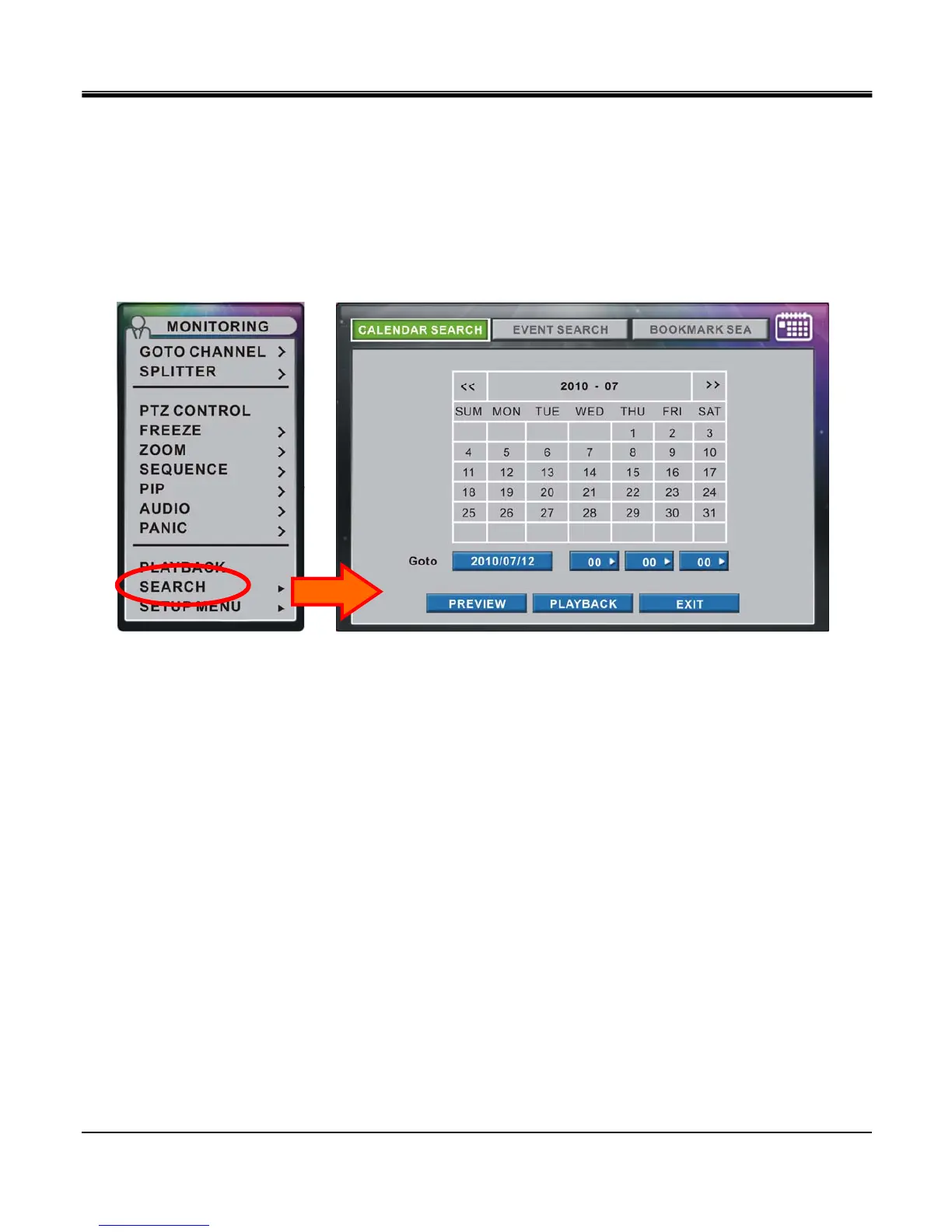
z Search
The “SEARCH" option is accessible by ADMIN and MANAGER accounts as default only. Regular users may
enter search option if authority is given by admin.
In the “SEARCH" option, you may enable “CALANDER SEARCH", “EVENT SEARCH" and
“BOOKMARK SEARCH".
By clicking on “SEARCH" option from “MONITORING" popup, it will immediately open the search option
window.
Further detailed configuration of Search option will be explained in Chapter 6.



 To Next Page