User Manual
Page 25
z PANIC (Force recording)
selecting“PANIC” from“MONITORING" popup menu . Choosing “ON"to enable Panic record and “OFF"to
disable Panic record mode.
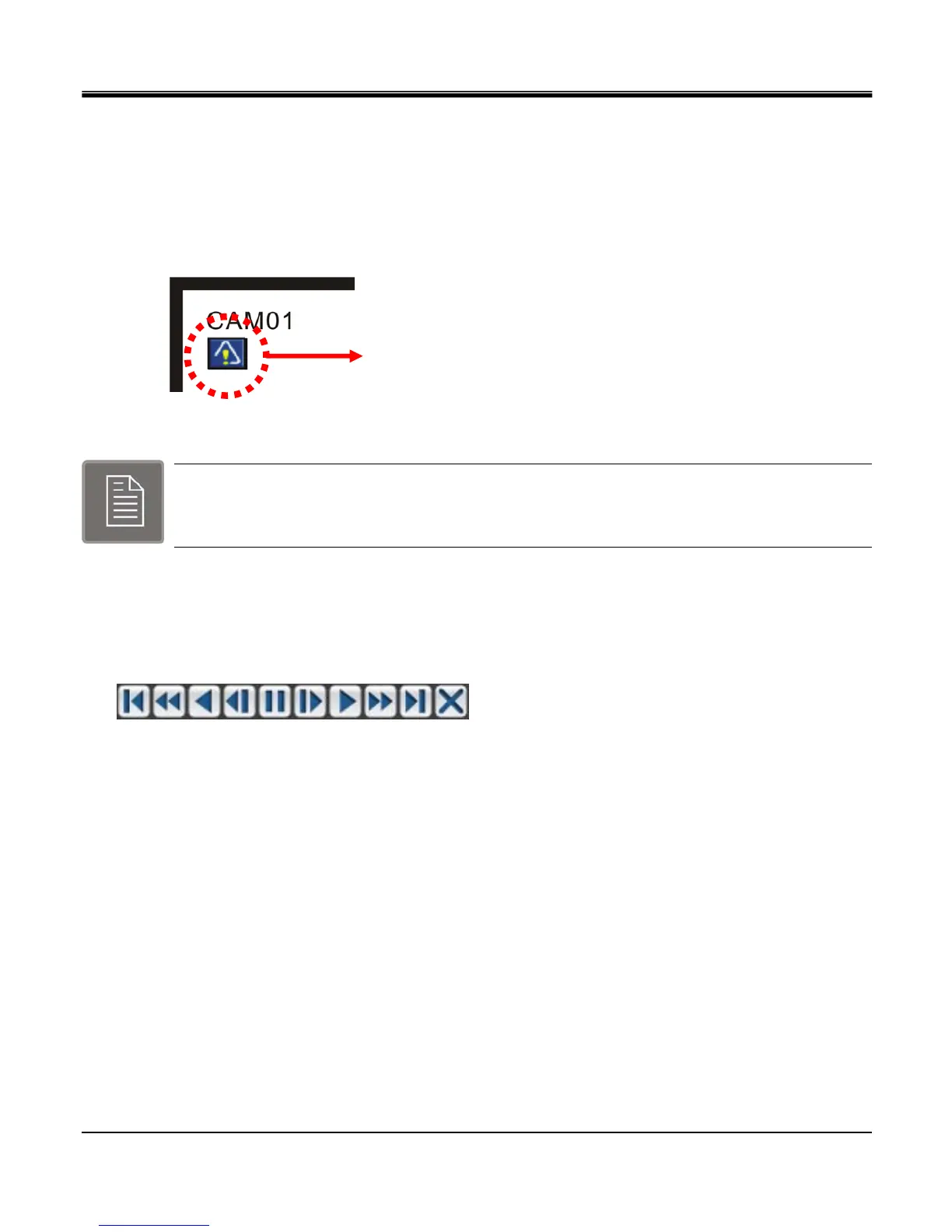
Panic mode indicator will be shown after Panic mode has been enabled. It will appear on upper left corner of the
screen as show on the picture below.
The panic recording Indicator
Configure the Image quality and frame rate of Panic record mode in “SETUP MENU". Choose
RECORD icon from main menu.
z Playback
Press “PLAYBACK" from “MONITORING" popup menu or from search menu, and Playback Control Toolbar
pops up as below and begin playback of recorded data on HDD. Freeze, Slow/Fast (reverse) playback control are
available on Playback Control Toolbar.



 To Next Page