2.7 Turning the Power On and Off
24
2.7 Turning the Power On and Off
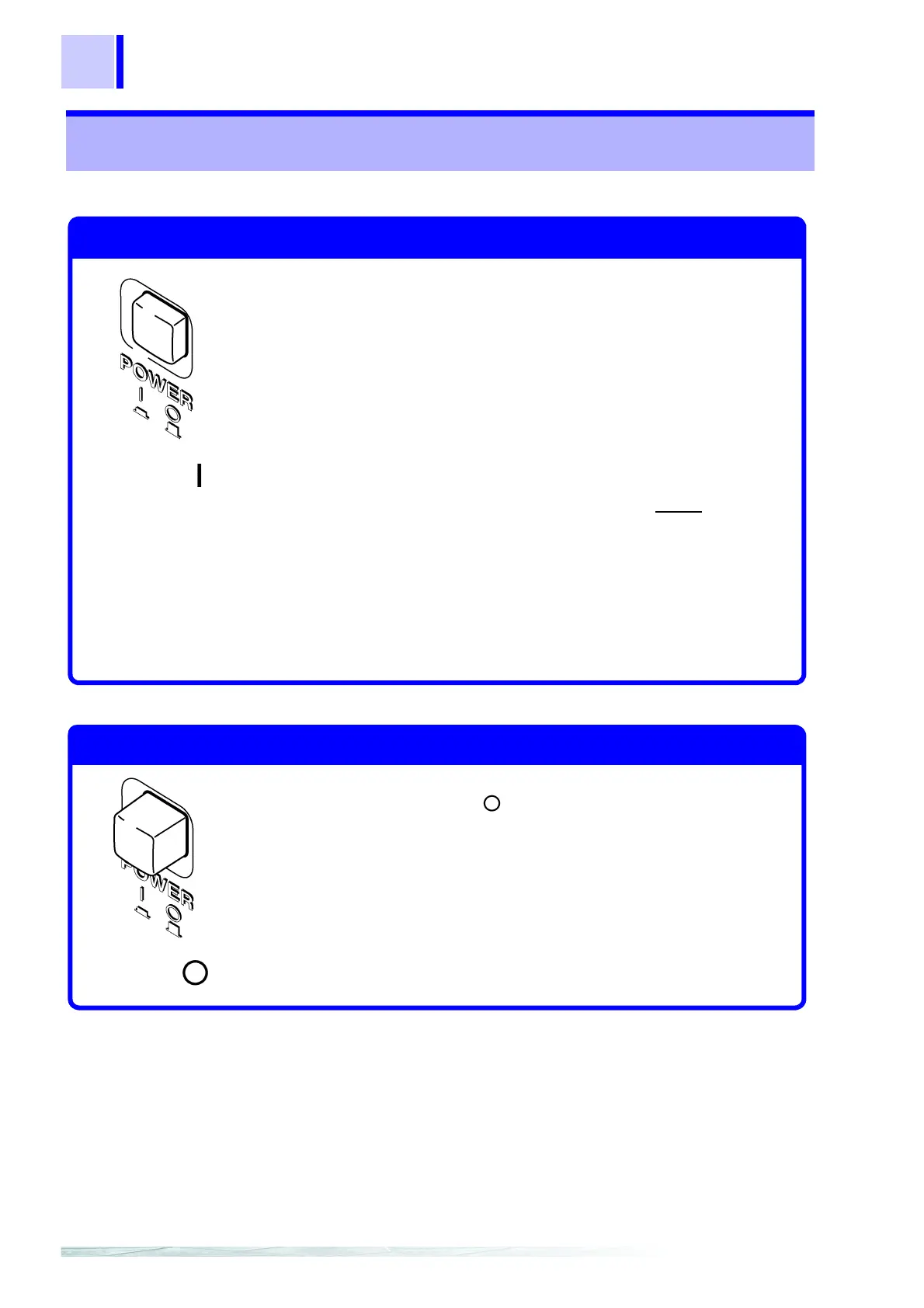
Turn the POWER switch ON ( | ).
After Power-On
• The model name, software version, line frequency selection and
interface selection appear before the measurement state is
displayed.
• The measurement setting state is the same as when the power was
previously turned off (backup).
To preserve changes to settings, wait a short time (about five
seconds) after changing a setting before turning power off.
However, measurement settings made through the RS-232C or GP-
IB interface and measurement settings loaded by LOAD
signals of
the external I/O terminal are not memorized.
• Before starting to measure, allow 60 minutes for warm-up.
Within the 30- to 60-minute warm-up period, please note that
specified accuracy values are double.
After warm-up, be sure to perform a self-calibration.
❖ 5.8 Self-Calibration (page 66)
Turning the Power On
Power ON
Turn the POWER switch OFF( ).
Turning the Power Off
Power OFF


 To Next Page