139
Chapter 8 Checking Events (EVENT screen)
8
Data is analyzed on the [EVENT] screen. For more information about events, see "Appendix 2 Explana-
tion of Power Supply Quality Parameters and Events" (p.A2).
Checking Events
(EVENT screen) Chapter 8
Display the event list. (p.141)
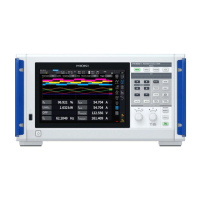
You can check events that have occurred on the event list screen.
Analyze events. (p.145 to p.153)
You can display the screen at the time the selected event occurred.
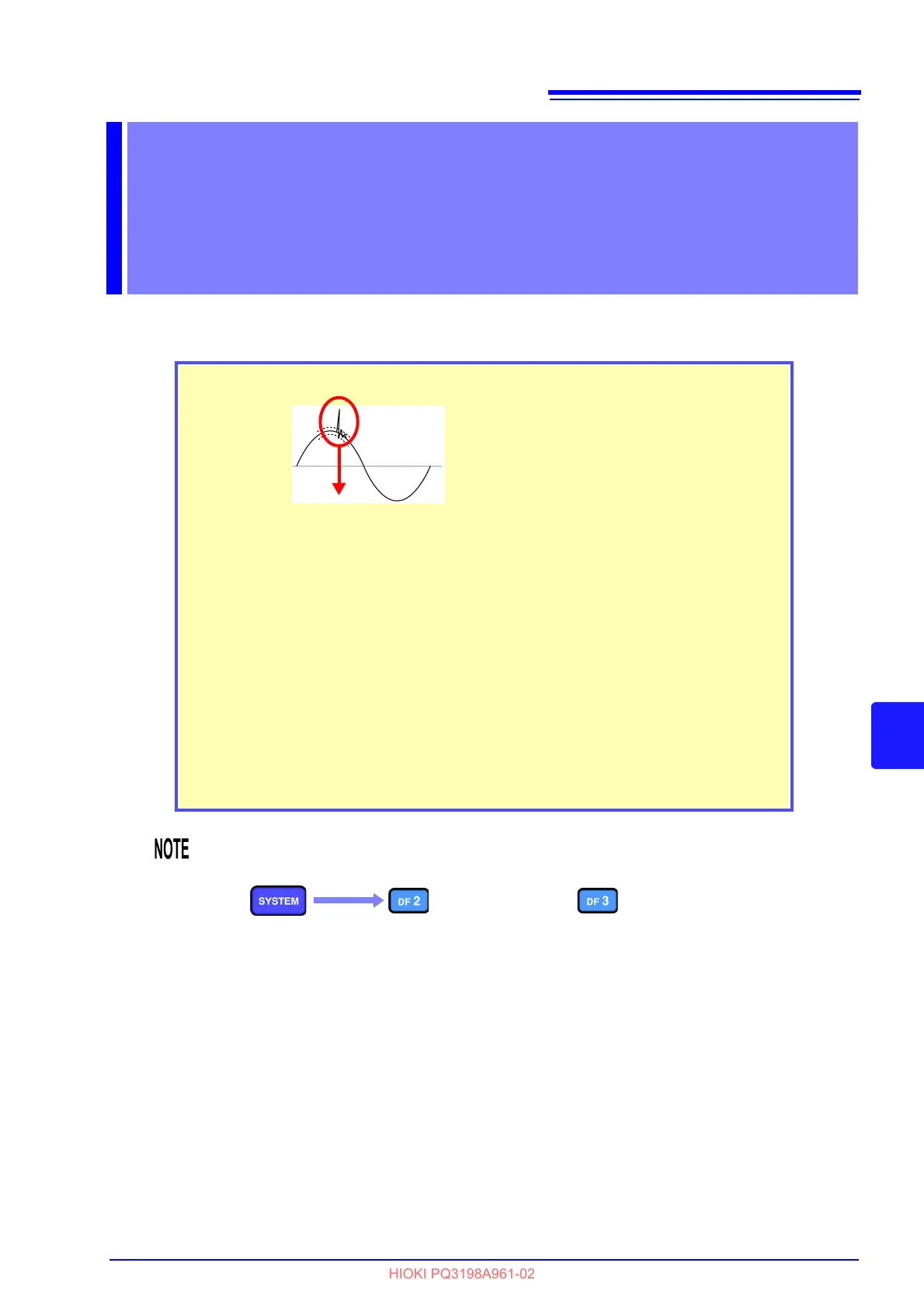
Events displayed by the PQ3198
• Start recording events
• Stop recording events
• Calculation events (events for which one or more thresholds can be set)
• Event waveforms (transient waveforms, hig
h-order harmonic data, fluctua-
tion data)
Event occurrence
Each time an event occurs, an event is
added to the event list screen.
• When making measurements using events, be sure to set the event setting on the [SYS-
TEM] s
creen to ON.
See: "5.6 Changing Event Settings" (p.85)
• The maximum number of events that can be di
splayed is 9999. (Event data should be
analyzed using the application software PQ ONE, which is supplied with the instrument.)



 To Next Page