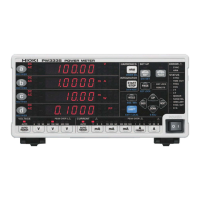
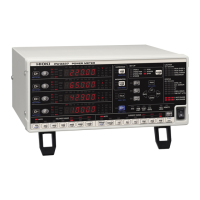
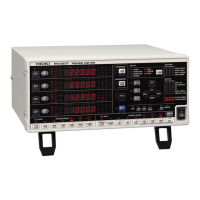
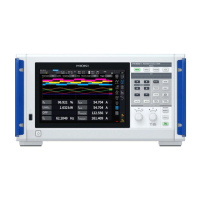
only be performed once.
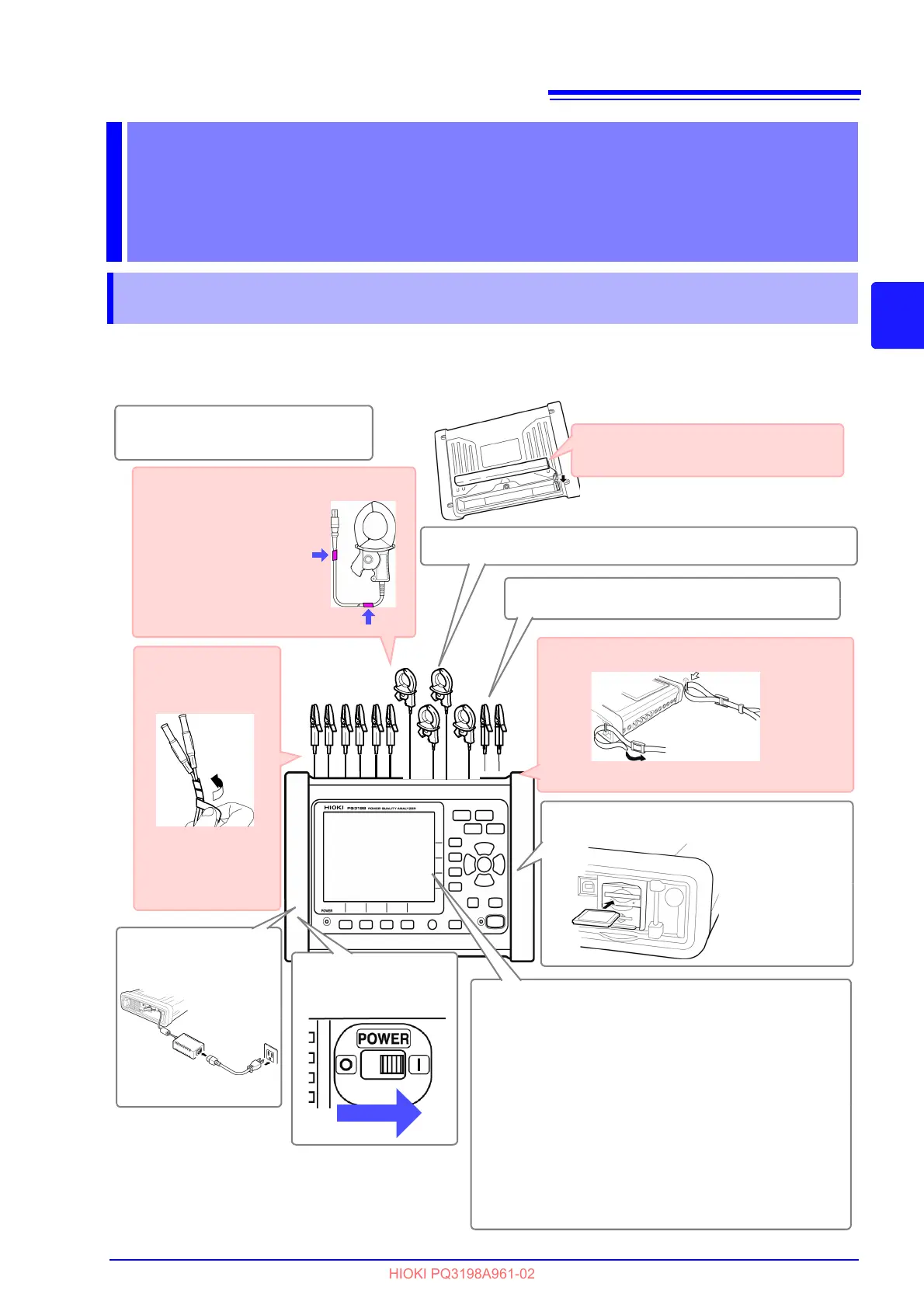
Affix color clips to the
current sensors.
( p.38)
Attach the strap. (p.40)
Secure the voltage
cords together with
a spiral wrapper.
(p.39)
Perform the pre-measurement
inspection. (p.42)
1
After-purchase item (1) (voluntary)
After-purchase item (2) (voluntary)
After-purchase
item (3)
(voluntary)
Connect the AC
adapter. (p.43)
2
Connect the voltage cords (p.45) and current sensors. (p.45)
4
Turn on the in-
strument. (p.48)
5
Set the connection mode. (p.53)
9
Connect to the measurement line. (p.60)
8
Verify that the connections have been
made properly. (p.64)
10
Perform quick setup. (p.66)
11
Back side
Perform zero adjustment. (p.51)
To ensure you are able to obtain precise mea-
surements, it is recommended to allow the in-
strument to warm up for at least 30 minutes
before performing zero adjustment or making
measurements.
6
Insert an SD memory card. (p.43)
3
After-purchase item (4)(voluntary)
Install the battery pack. (p.41)
Set the clock. (p.82)
7
Be sure to close
the cover after
inserting the
card.



 To Next Page