2. OPERATION
2-27
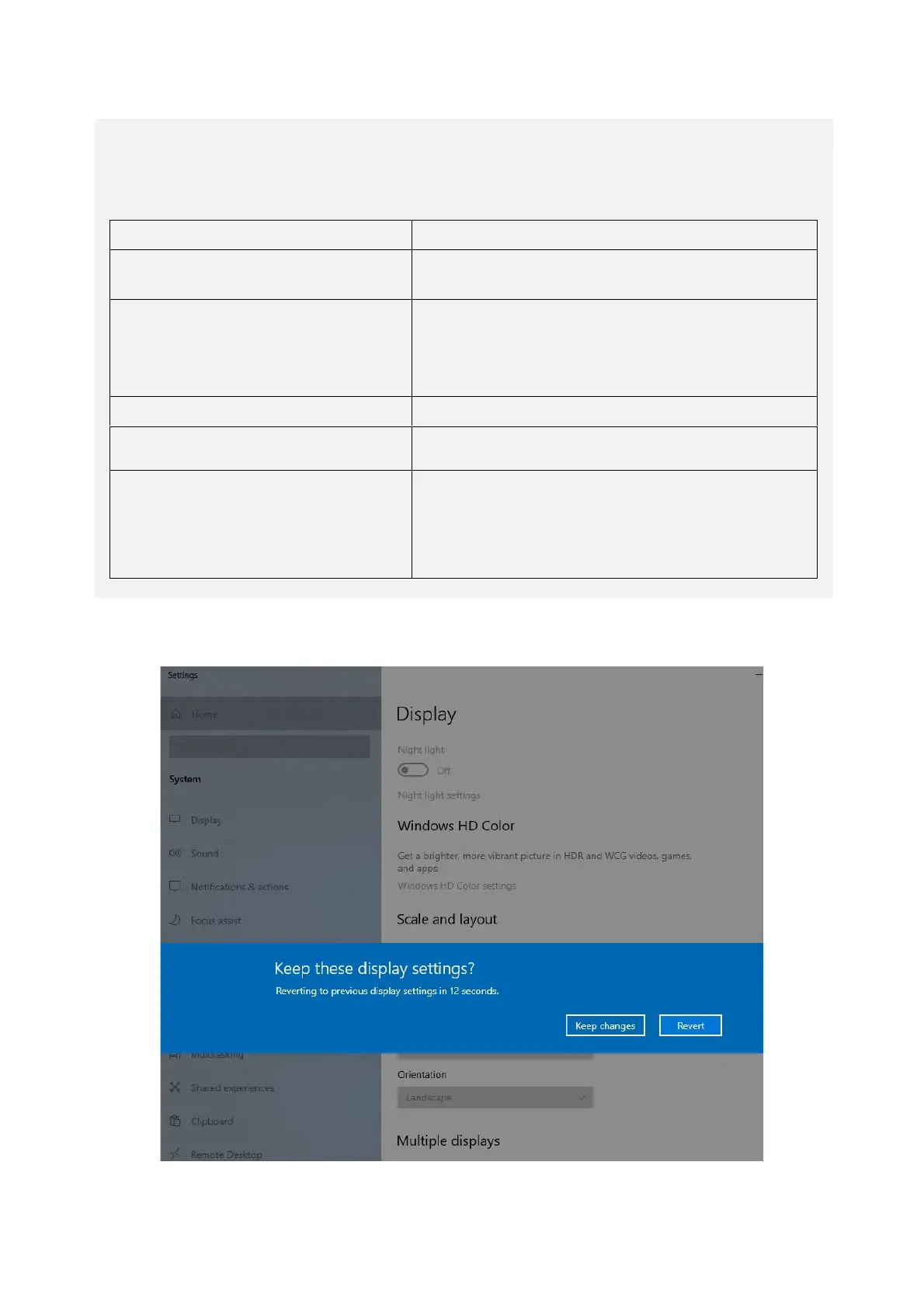
3. Click Keep changes. This setting allows you to view multi-display output.
< NOTE >
・ The multi-stream function (daisy chain) of DisplayPort is not supported.
・ Types of Multiple displays settings. (Some settings are not displayed depending
on the number of displays connected.)
・Extend desktop to this display
・Extend these displays
The main display and other additional displays
are displayed as the displays.
・Duplicate these displays
・Duplicate desktop on 1 and 2
・Duplicate desktop on 1 and 3
・Duplicate desktop on 2 and 3
The additional displays display the same
screen as that of the main display.
Display 2 will display nothing.
Display 2 will be the main display and display 1
will display nothing.
The display selected in Select and rearrange
displays is disconnected and will be
unavailable. To enable the display to be used,
you need to restart the equipment to detect the
display.



 To Next Page