2. OPERATION
2-26
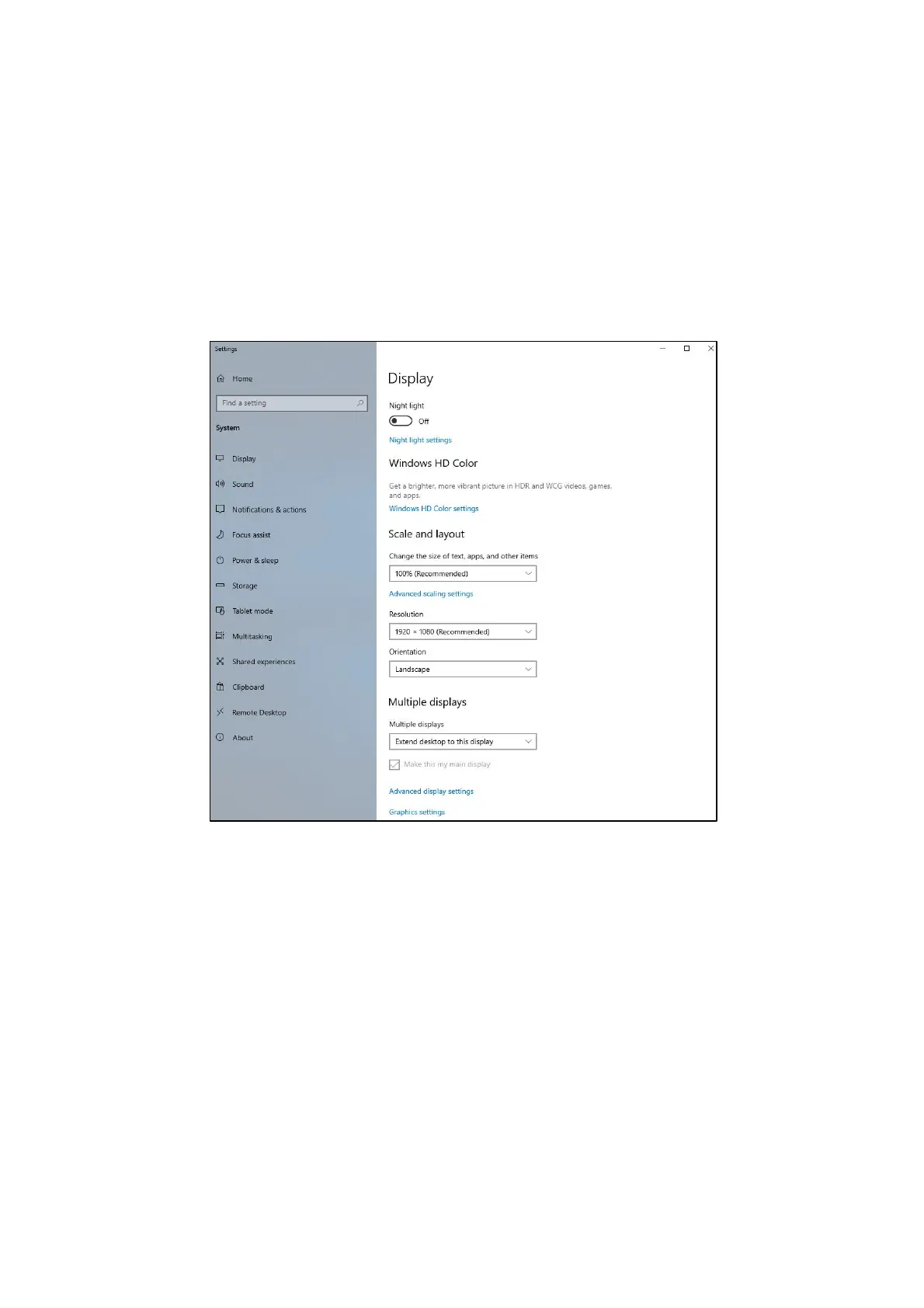
(2) Configuring screen settings for two (multiple) displays
This equipment supports multiple display output. If you connect two displays, the two
displays can be used simultaneously. The following shows how to set up the multiple
display output.
1. As described in "(1) Configuring screen settings for a single display", start Display
settings.
2. Select the setting item from Multiple displays on the displayed screen by referring to
the following notes.



 To Next Page