4. PRECAUTIONS WHILE THE OS IS RUNNING
4-6
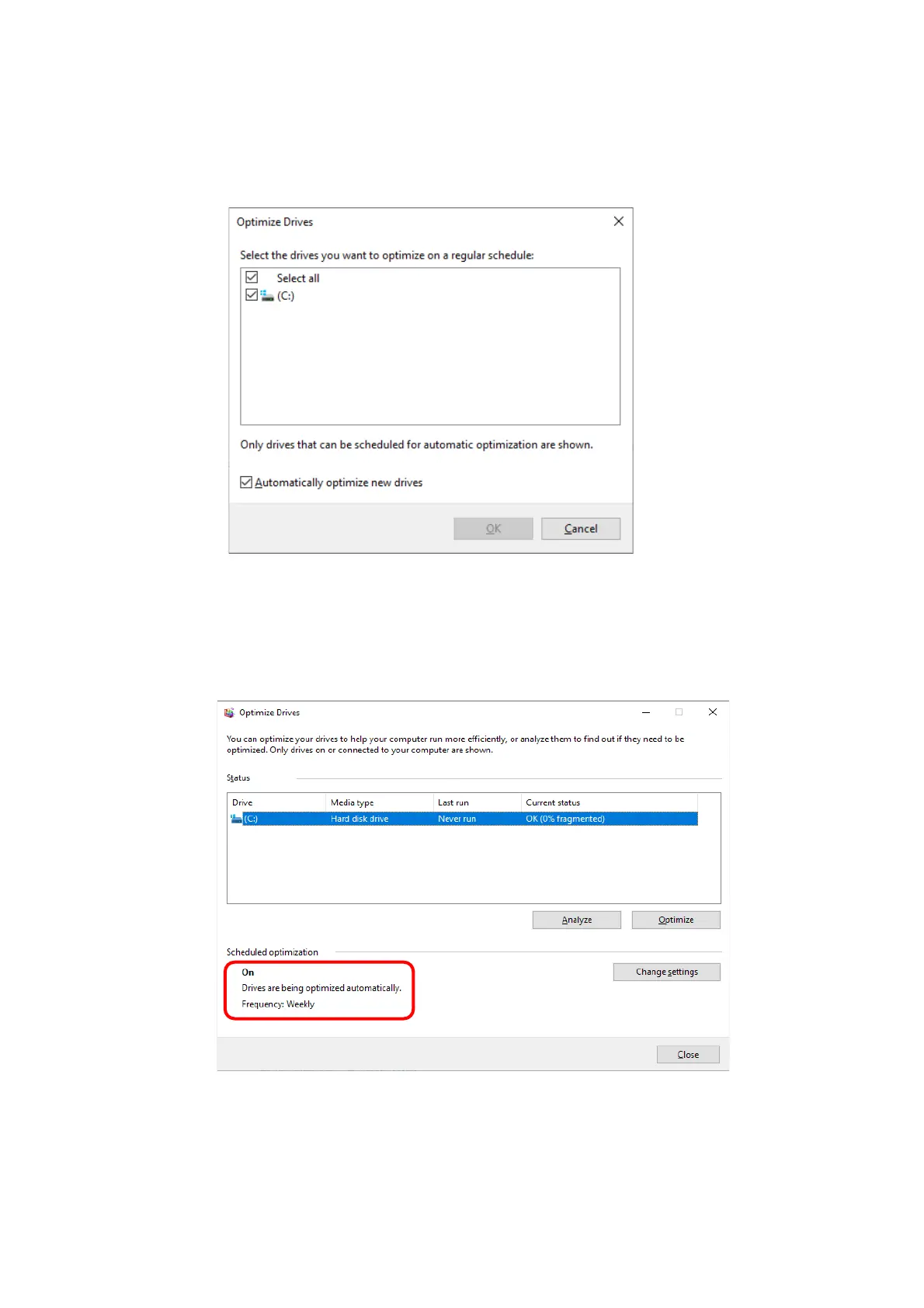
8. The Select the drives you want to optimize on a regular schedule window appears.
As required, select the drives you want to defragment.
・ Click OK.
9. The Optimization schedule window appears. Click OK.
10. The configured schedules are displayed under Scheduled optimization. Check the
contents, and click Close to close the window.



 To Next Page