4. PRECAUTIONS WHILE THE OS IS RUNNING
4-7
(b) Run the drive optimization manually.
1. Execute steps 1 though 3 in ” (a) Turn on the drive optimization schedule.”
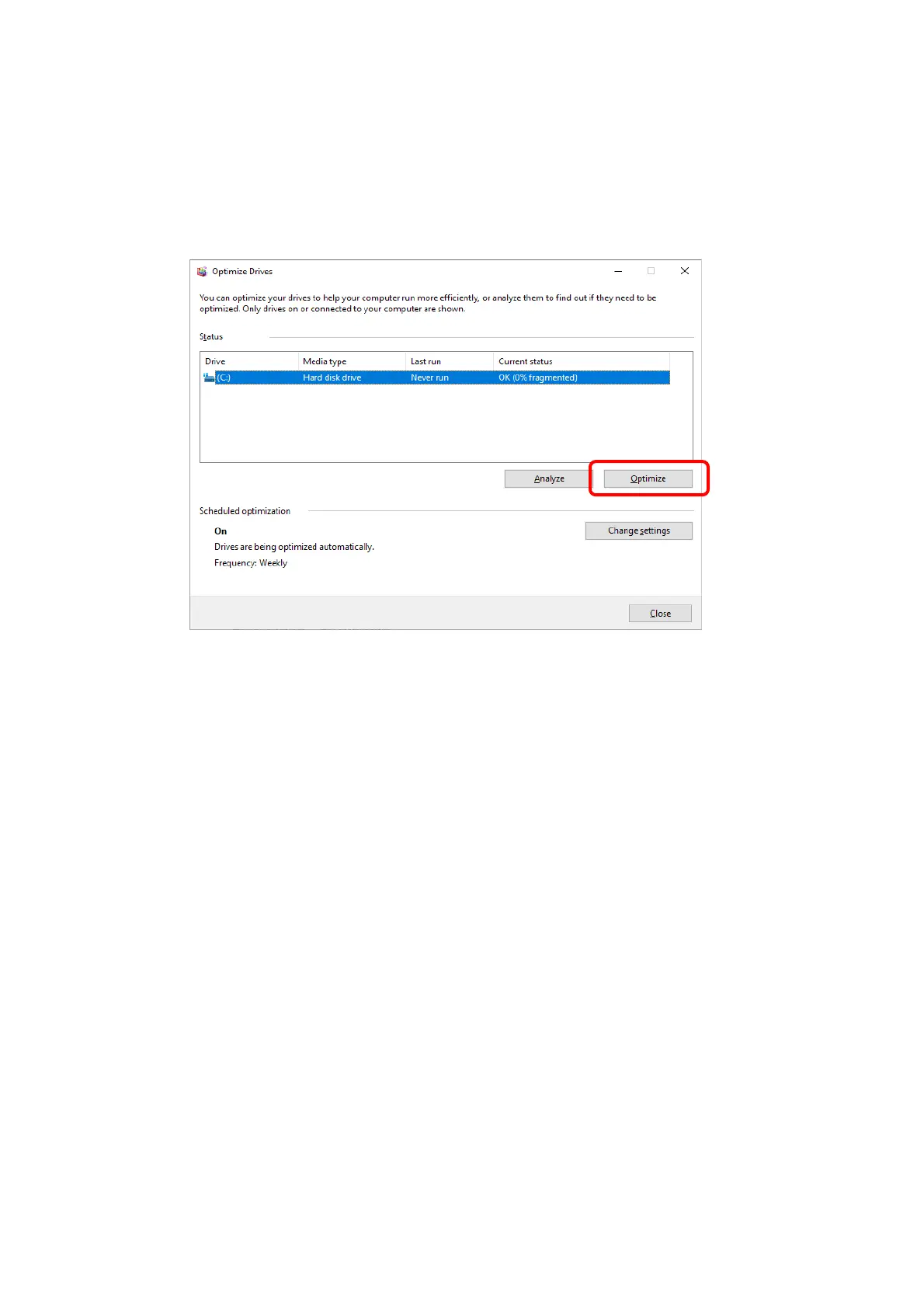
2. The Optimize Drives window appears.
・ Under Status, select the drive you want to defragment, and click Optimize.
・When the disk optimization process is complete, the date and time of the
optimization is displayed in the Last Run column.
3. Click Close to close the window.



 To Next Page