EasyManua.ls Logo

Hitachi 65 - Page 145

Hitachi 65
281 pages
Print Icon
To Next Page IconTo Next Page
To Previous Page IconTo Previous Page
Loading...
5. SPECIFICATION
5-13
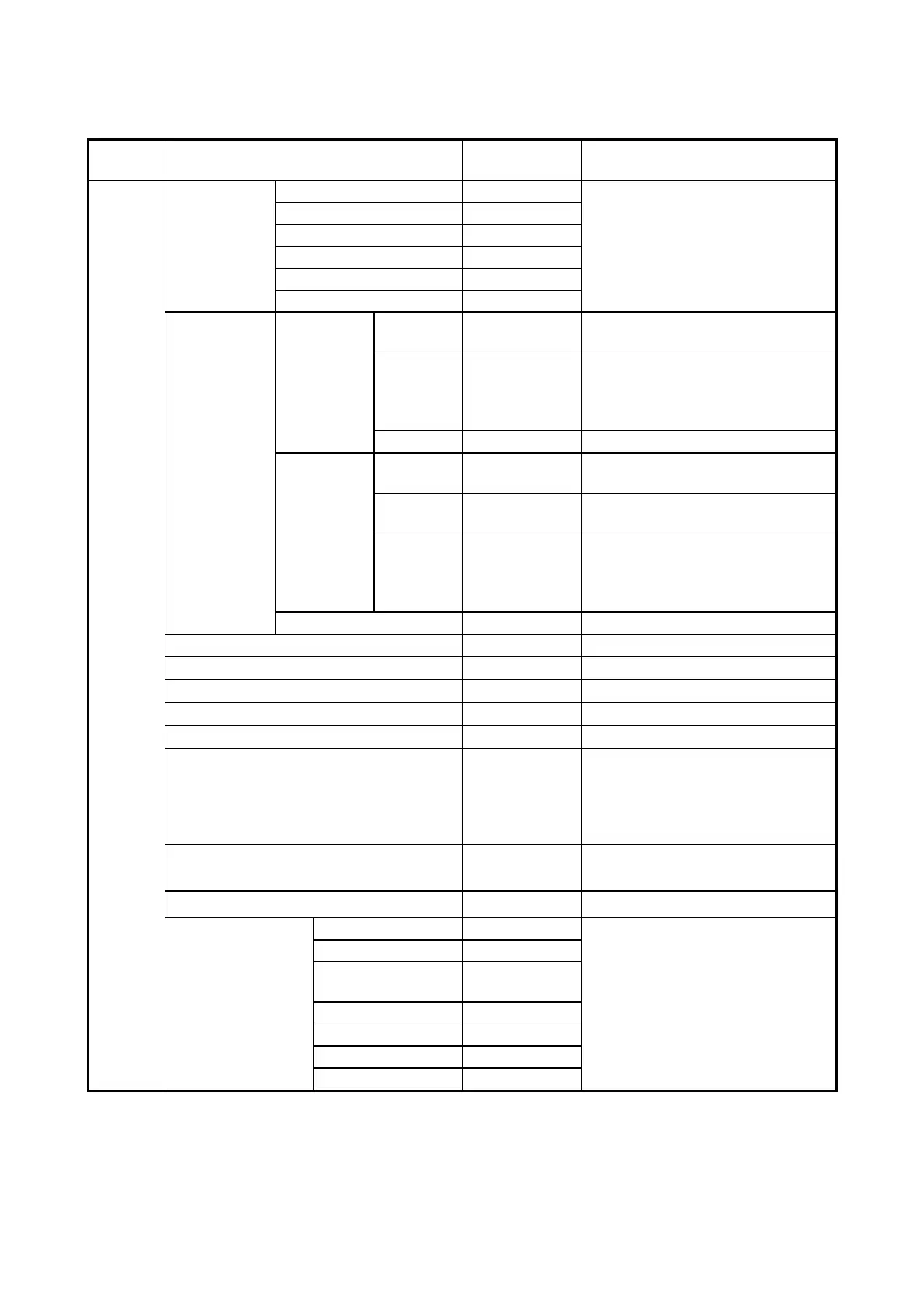
Table 5-16 BIOS Setup menu list (2/3)
Top
menu
Setting item
Default value
Note
Advanced
I/O Device
Configuration
Serial port A
Enabled
Do not change this setting.
Base I/O Address
3F8h
Interrupt
IRQ4
Serial port B
Enabled
Base I/O Address
2F8h
Interrupt
IRQ3
PCI
Configuration
PCI-Express
Device
Slot #1 to #5
Enable
Master
Enabled
Option
ROM Scan
Enabled
Specifies whether to execute the
extension ROM. If you specify
Disabled for this setting, the extension
ROM will not be executed.
Link Speed
AUTO
PCI
Device
Slot #6 to #7
Enable
Master
Enabled
Latency
Timer
0040h
Option
ROM Scan
Enabled
Specifies whether to execute the
extension ROM. If you specify
Disabled for this setting, the extension
ROM will not be executed.
PCI Parity Error Detection
Enabled
Core Multi Processing
Enabled
Do not change this setting.
Hyper Threading
Disabled
Intel SpeedStep Technology
Disabled
No Execute Mode Mem Protection
Enabled
MMIO Range
Dynamic
Legacy USB Support
Enabled
Specifies whether to activate USB
devices. If you specify Disable for this
setting, you can use a USB keyboard
only for the setup menu and after
Windows® starts.
Front USB Port
Enabled
You can change the setting of the front
USB port to enable or disable.
Internal gGraphics
Auto
Do not change this setting.
Secure boot
Configuration
UEFI Secure Boot
Disabled
Do not change this setting.
Protected Signatures
Disabled
Customized
Signatures
Disabled
Secure Boot Option
Enabled
Delete Platform key
Enter
Delete All Signatures
Enter
Reset to Default
Enter

Table of Contents

Related product manuals