7. RESTORING THE FACTORY-SHIPPED CONDITION USING A RECOVERY DVD
7-9
8. When drive restoration processing with the current recovery DVD is complete, the
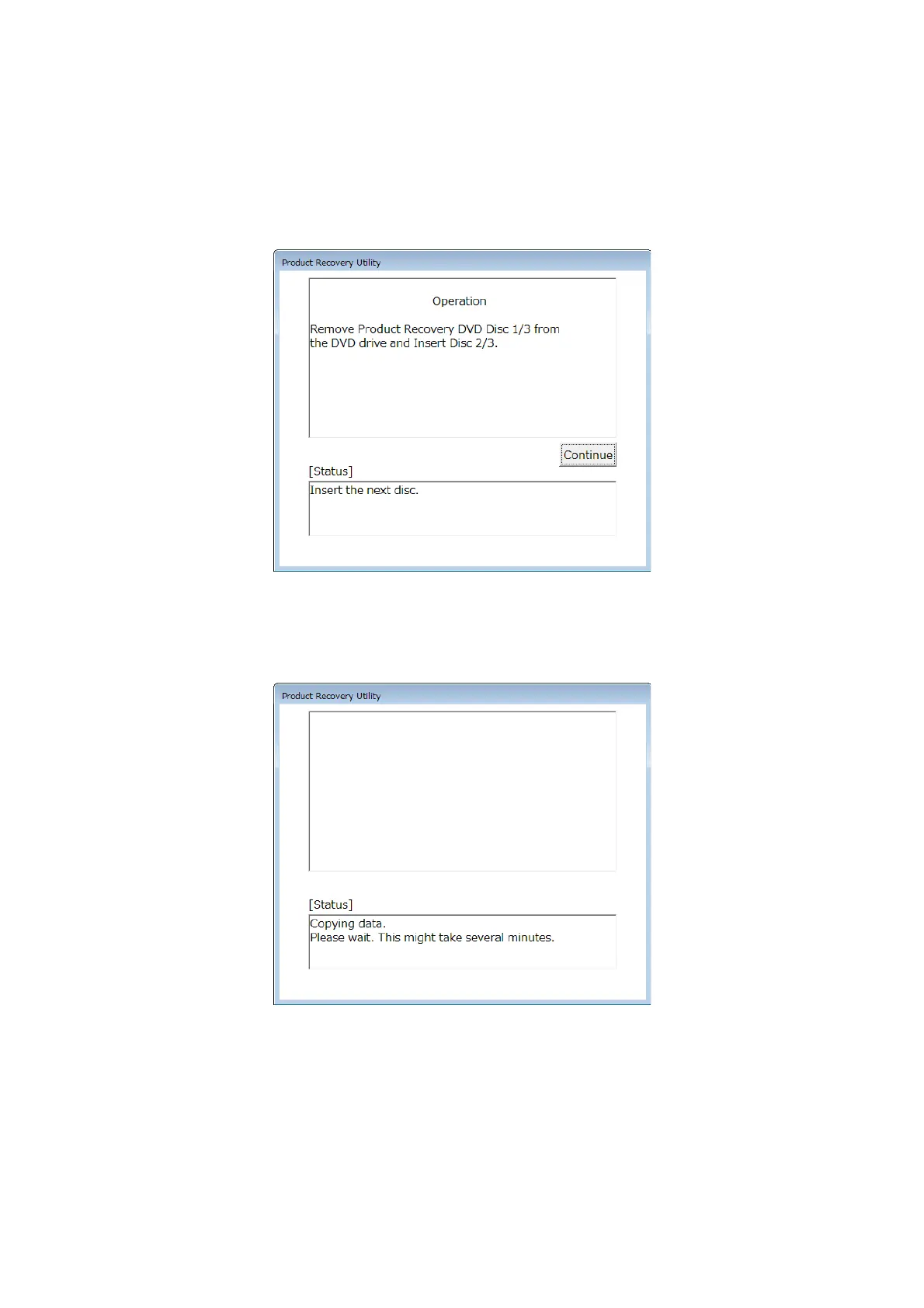
following message is displayed, and the recovery DVD is automatically ejected.
Remove the recovery DVD from the DVD drive and insert the next recovery DVD.
9. When you click Continue, the [Status] box displays the message “Copying data. Please
wait. This might take several minutes.” Then, preparation for drive restoration resumes.
10. If the number of recovery DVDs is multiple, repeat steps8 and 9.



 To Next Page