7. RESTORING THE FACTORY-SHIPPED CONDITION USING A RECOVERY DVD
7-10
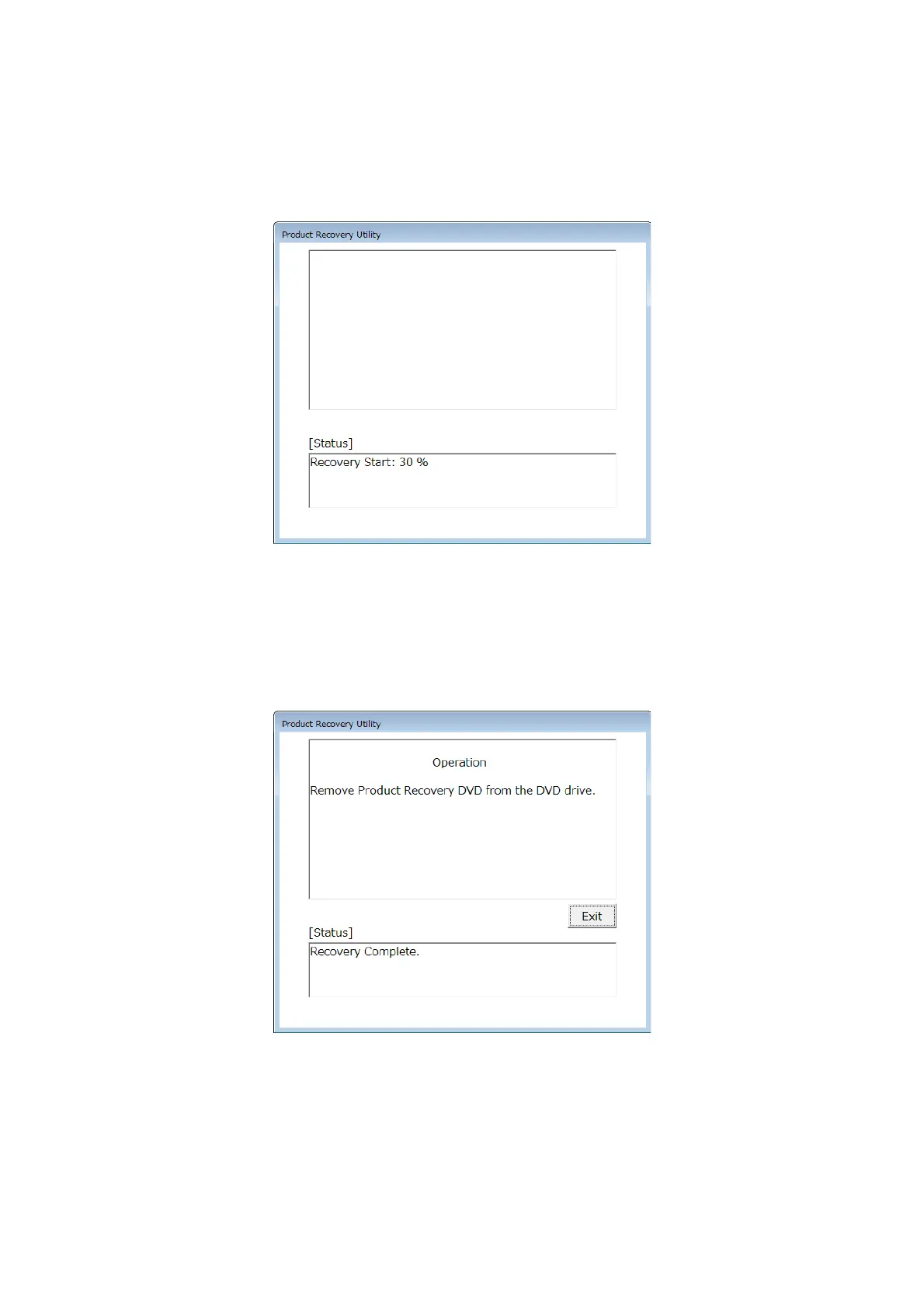
11. When preparation for drive restoration is complete, drive restoration starts. and the
[Status] box displays the progress. Also the recovery DVD is automatically ejected,
remove the recovery DVD from the DVD drive.
12. When the restoration process back to the factory-shipped condition performed by the
recovery DVD is fully completed, “Recovery Complete.” is displayed in the [Status]
box. Click Exit, the equipment will be shut down.
The system drive of the HF-W7500 Model 65/60 is now successfully restored to the
factory condition by using a recovery DVD. After you finish the procedure above,
follow the instruction in “CHAPTER 3 SETUP” to set up the OS.



 To Next Page