8. MAINTENANCE OPERATIONS
8-26
・ [Drive used hours monitoring setting] section:
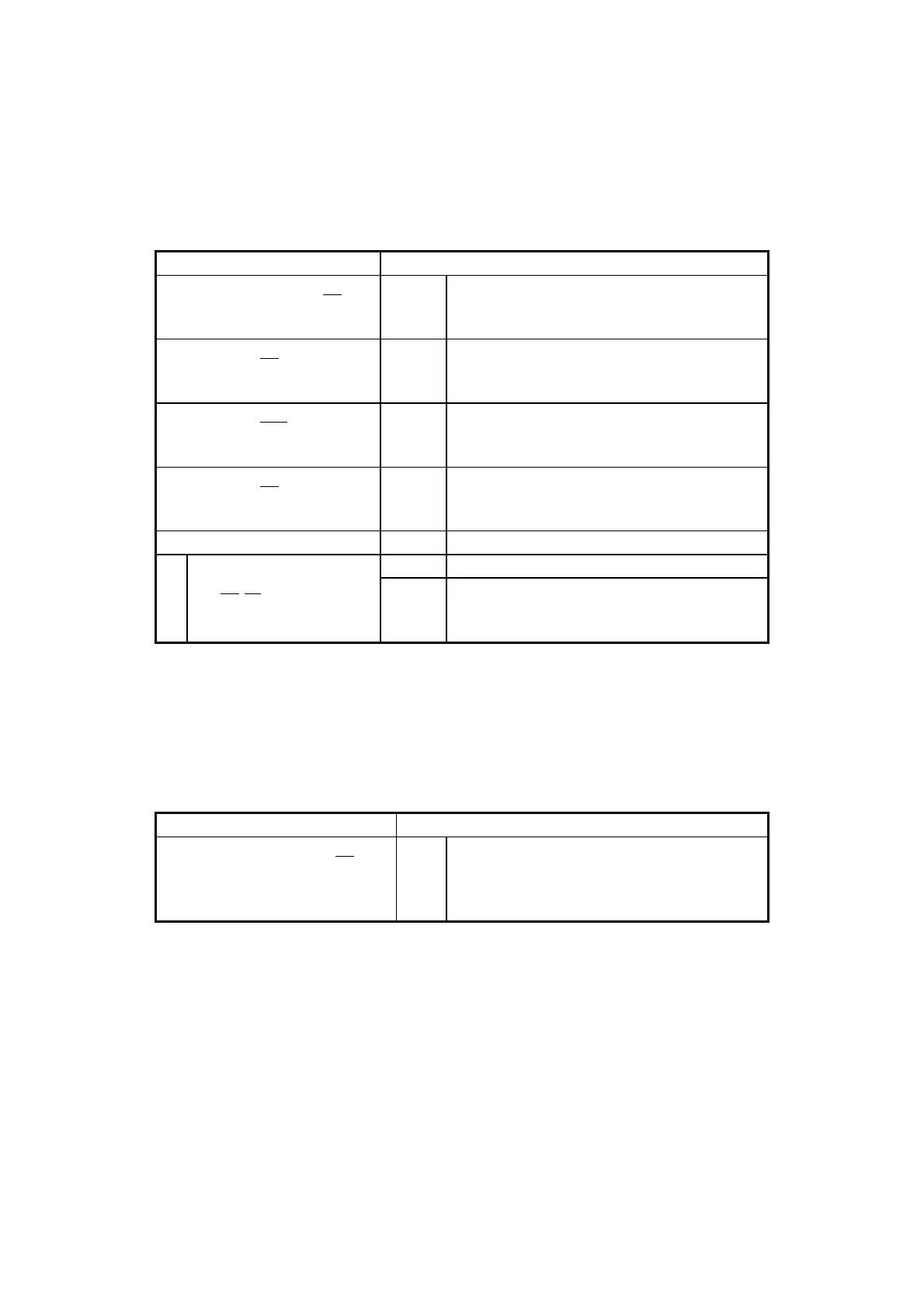
Shows the drive power-on (used) hours monitoring setting. The following table shows
the list of items in this subsection and their respective descriptions.
Shows whether the drive power-on
(used) hours monitoring function is
enabled or disabled.
Shows whether the drive bay 1 power-on
(used) hours monitoring function is
enabled or disabled.
Shows whether the drive bay 2 power-on
(used) hours monitoring function is
enabled or disabled.
Shows whether the drive bay 3 power-on
(used) hours monitoring function is
enabled or disabled.(*1)
Shows the advanced settings.
Time limit of drive
bayyy:zz
Shows the drive bay number.
Shows the threshold used for the drive
power-on (used) hours monitoring
function.
(*1) This is not displayed if drive bay 3 contains no device.
・ [Digital LED setting] section:
Shows the setting of the Digital LEDs for Status indication. The following table shows
the list of items in this subsection and their respective descriptions.
Shows whether the hardware status
display is enabled or disabled.
ON: Enabled
OFF: Disabled



 To Next Page