8. MAINTENANCE OPERATIONS
8-27
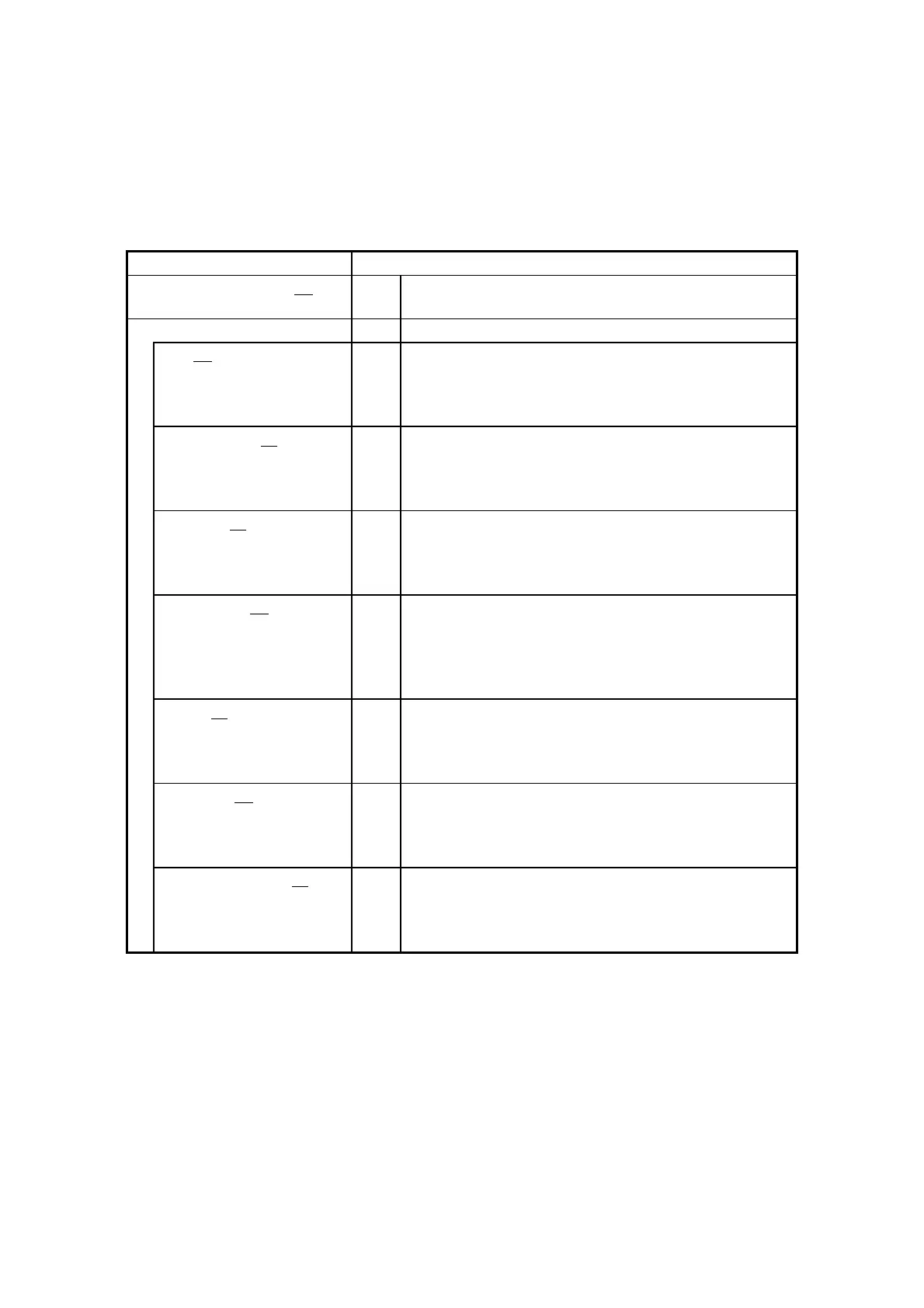
・ [Popup setting] section:
Shows the pop-up notification setting. The following table shows the list of items in
this subsection and their respective descriptions.
Shows whether the pop-up notification function is
enabled or disabled.
Shows the advanced settings.
Shows whether a pop-up is displayed for a fan
failure.
Enable: Displayed
Disable: Not displayed
Shows whether a pop-up is displayed when the
temperature is abnormal.
Enable: Displayed
Disable: Not displayed
Shows whether a pop-up is displayed when
SMART is detected.
Enable: Displayed
Disable: Not displayed
Shows whether a pop-up is displayed when the
drive power-on (=used) hours exceeds the
threshold.
Enable: Displayed
Disable: Not displayed
Shows whether a pop-up is displayed when
abnormal RAID status is detected.
Enable: Displayed
Disable: Not displayed
Shows whether a pop-up is displayed when
frequent memory error correction is detected.
Enable: Displayed
Disable: Not displayed
Shows whether a pop-up is displayed when
memory failure anticipation is detected.
Enable: Displayed
Disable: Not displayed



 To Next Page