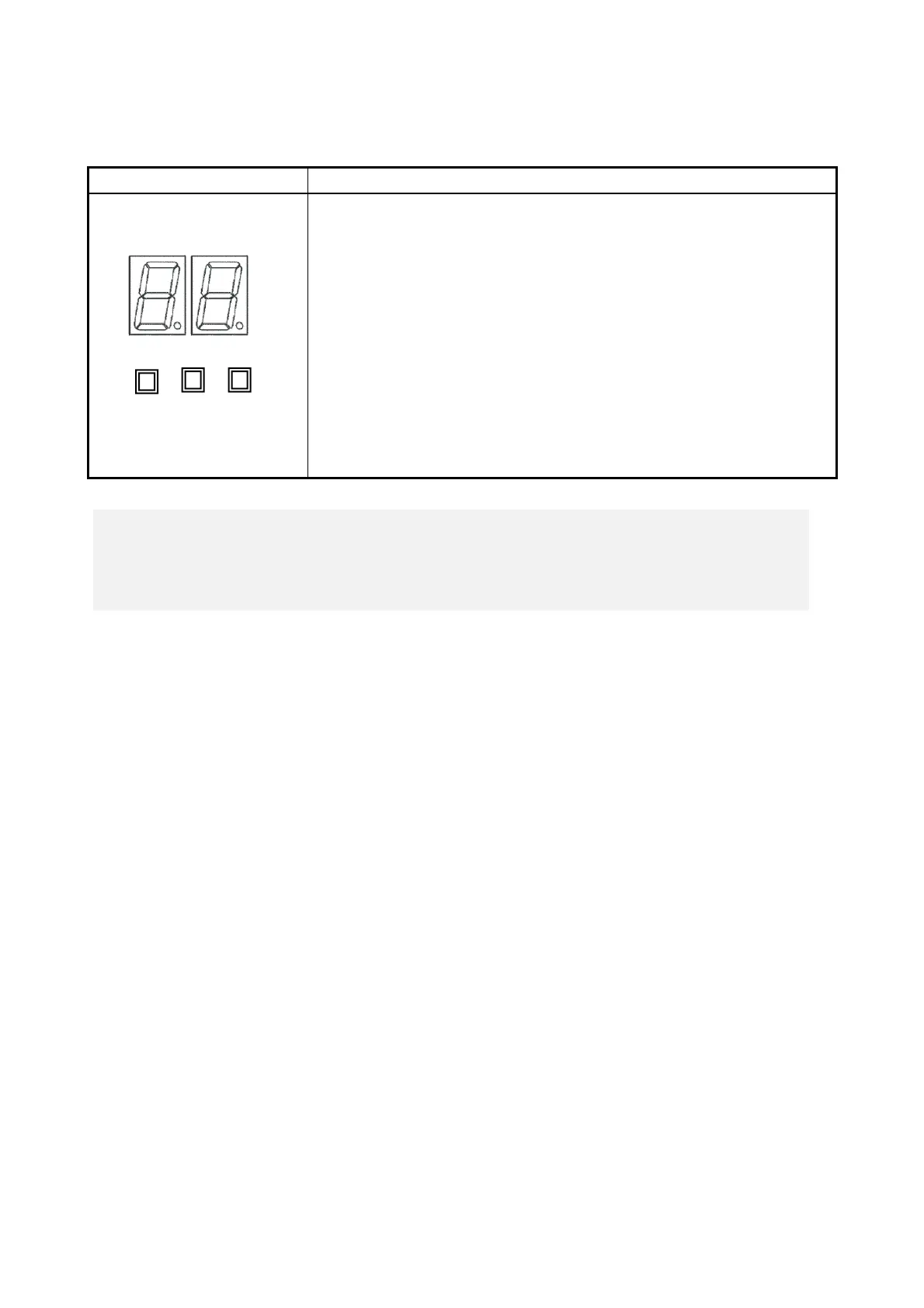
Various states of this equipment are indicated as a two-digit code in
hexadecimal and the states of the status indication LEDs.
The Digital LED for Status indication and the status indication LEDs may
remain lit even after the equipment is shut down or put into standby mode.
This condition remains until the power is turned on again.
Status indication LEDs
[1] Hardware status (Red)
[2] Application status (Green)
[3] BIOS status (Orange)
(For information about how to display arbitrary status data on the Digital
LED for Status indication from a user application, refer to the “HF-W7500
Model 65/60 RAS FEATURES MANUAL
(
WIN-63-0101
)
”.)
< NOTE >
・ For information about the precautions for USB devices,
see “PRECAUTIONS 6. USB DEVICES”.



 To Next Page