1. GETTING STARTED
1-11
Table 1-1 Function of Each Part (4/5)
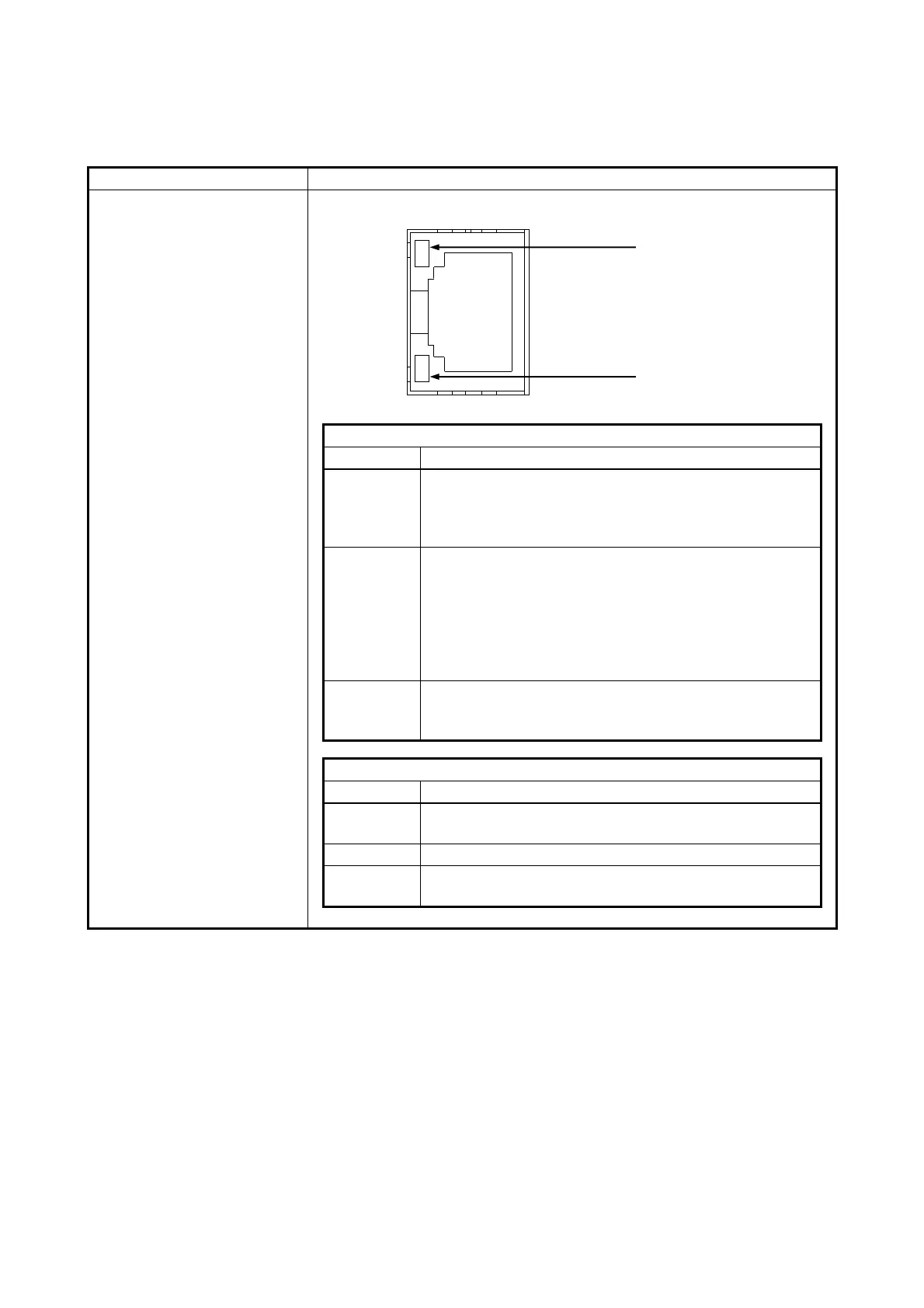
LAN port
(1000BASE-T/100BASE-TX/
10BASE-T)
⚫ Option LAN adaptor (HJ-F7560-20)
A link is established.
Both the equipment and the remote device are powered
up and the connection over the twisted-pair Ethernet
cable is stable.
No link is established.
• The equipment is not physically connected to the
network.
• The switching hub is not powered up.
• The connection over the twisted-pair Ethernet cable is
not stable.
• The driver settings have some errors.
Network data is being transmitted or received.
The blink interval changes depending on the traffic on
the network.
The link is established at 1000 Mbps.
The link is established at 100 Mbps.
The link is established at 10 Mbps. Or no link is
established.
(NOTE1) The locations of ACT/LINK lamp and communication speed lamp differ between the optional
LAN adapter and onboard LAN.
(NOTE2) HJ-F7560-20 has two LAN ports. If you look from back side this equipment on horizontal
installation, the A port is upper side and the B port is lower side.



 To Next Page