1. GETTING STARTED
1-10
Table 1-1 Function of Each Part (3/5)
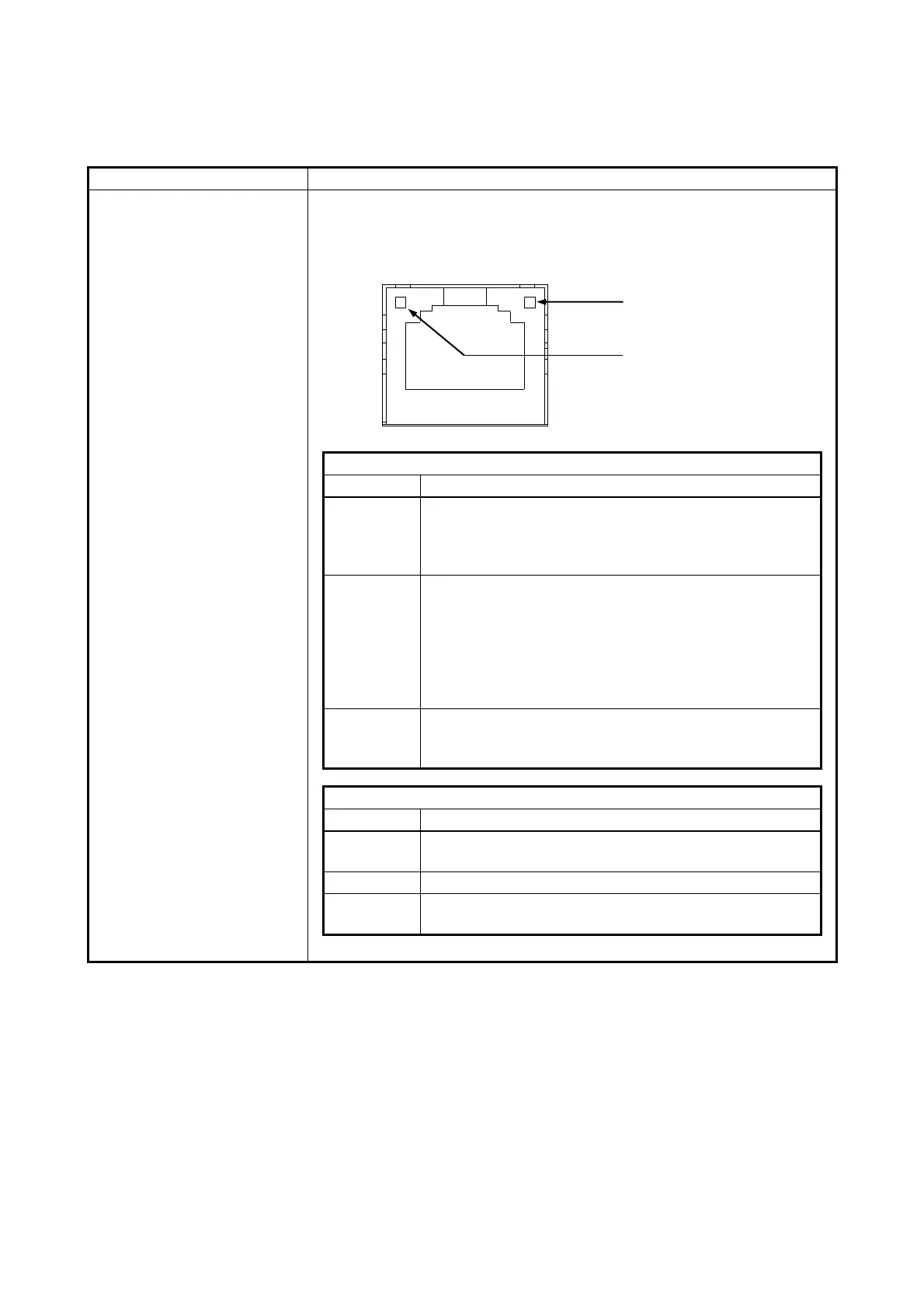
LAN port
(1000BASE-T/100BASE-TX/
10BASE-T)
You can connect a LAN cable to a LAN port. (See “5.9.1 Connector
specification”.)
⚫ Onboard LAN
A link is established.
Both the equipment and the remote device are powered
up and the connection over the twisted-pair Ethernet
cable is stable.
No link is established.
• The equipment is not physically connected to the
network.
• The switching hub is not powered up.
• The connection over the twisted-pair Ethernet cable is
not stable.
• The driver settings have some errors.
Network data is being transmitted or received.
The blink interval changes depending on the traffic on
the network.
The link is established at 1000 Mbps.
The link is established at 100 Mbps.
The link is established at 10 Mbps. Or no link is
established.



 To Next Page