NOTE : When initialization is in progress, do not turn off the main unit or unplug the USB
cable.
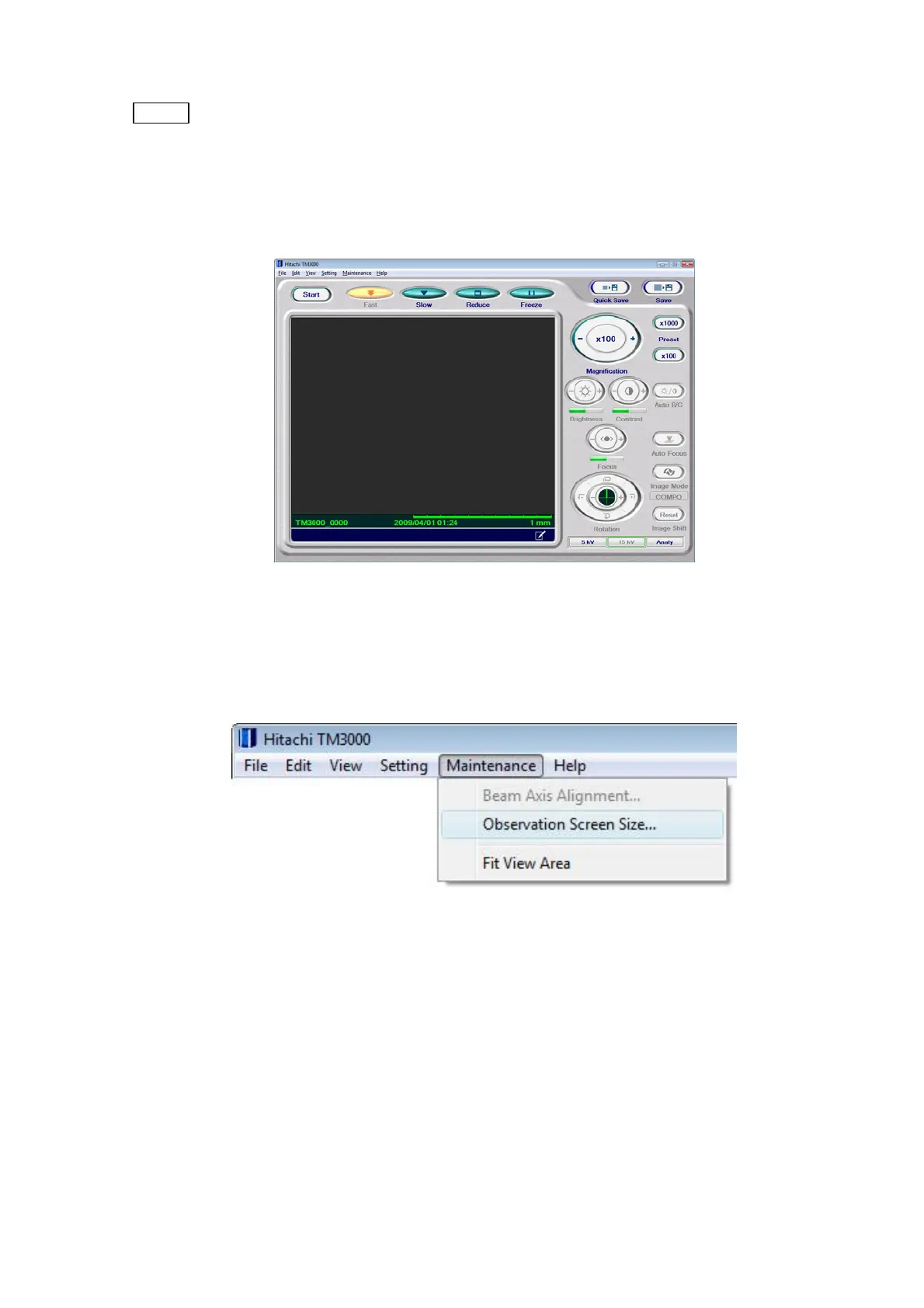
6. When the application has started successfully, the operation window shown in Figure
2.2.9-6 appears.
Figure 2.2.9-6 Operation Window
7. From the [Maintenance] menu on the Operation window, select [Observation Screen
Size …].
Figure 2.2.9-7 Maintenance Menu
2 - 44



 To Next Page