Affirm Breast Biopsy Guidance System Service Manual
Chapter 3: Installation, Verification, and Removal
Page 14 MAN-05754 Revision 002
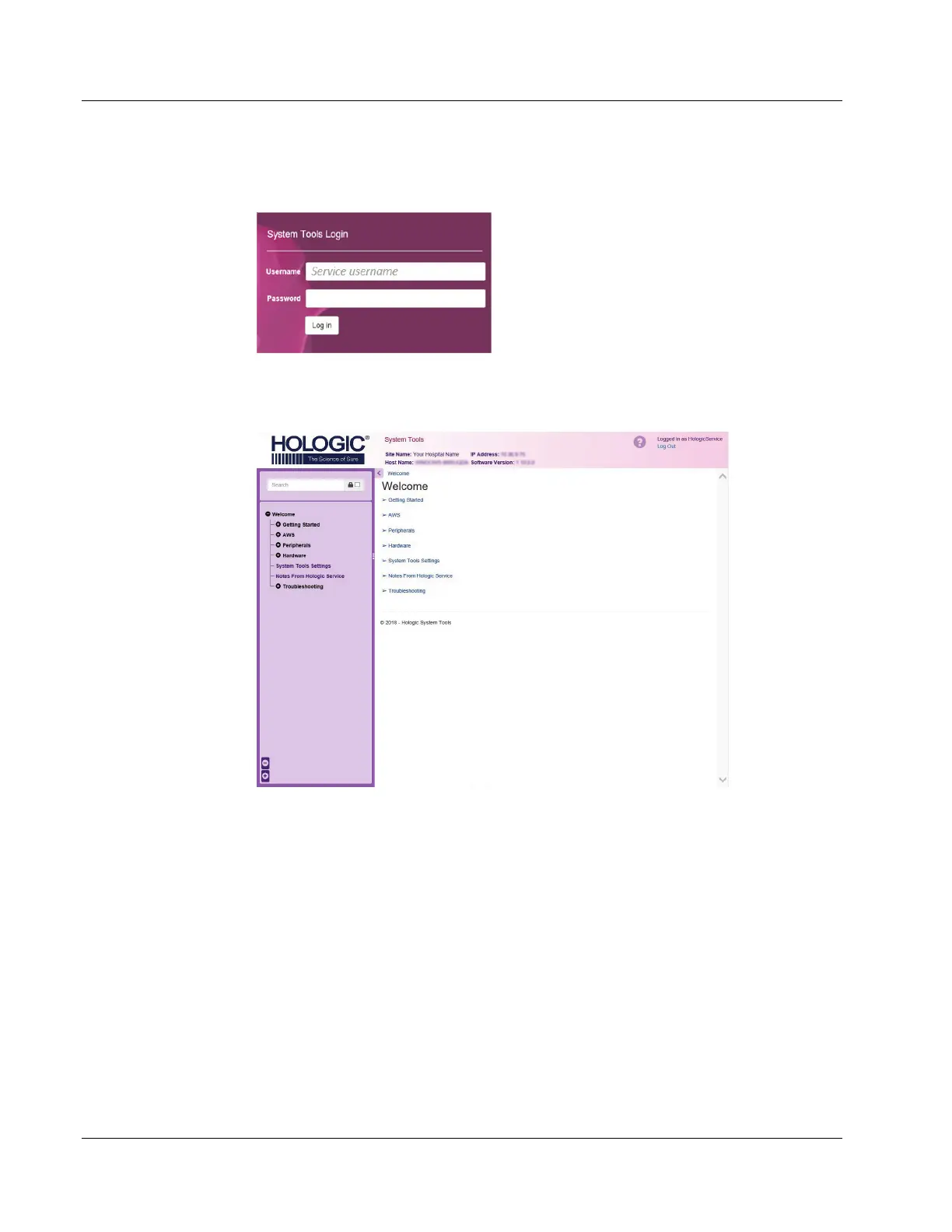
4. The System Tools Login screen opens. Login as a Service user and enter the
appropriate password. Select Log In.
Figure 6: System Tools Login screen
5. The System Tools Welcome main screen opens.
Figure 7: System Tools Welcome main screen (Service login)












 To Next Page