Faxitron CT Specimen Radiography System User Guide
Chapter 6: Faxitron CT Software Operation
5081-9544 Revision 004 Page 59
Note
In 2D Mode all annotations will be blue.
In 3D Mode All annotations will be the color of the square in the lower left corner of the
image pane, i.e., red, blue, or yellow.
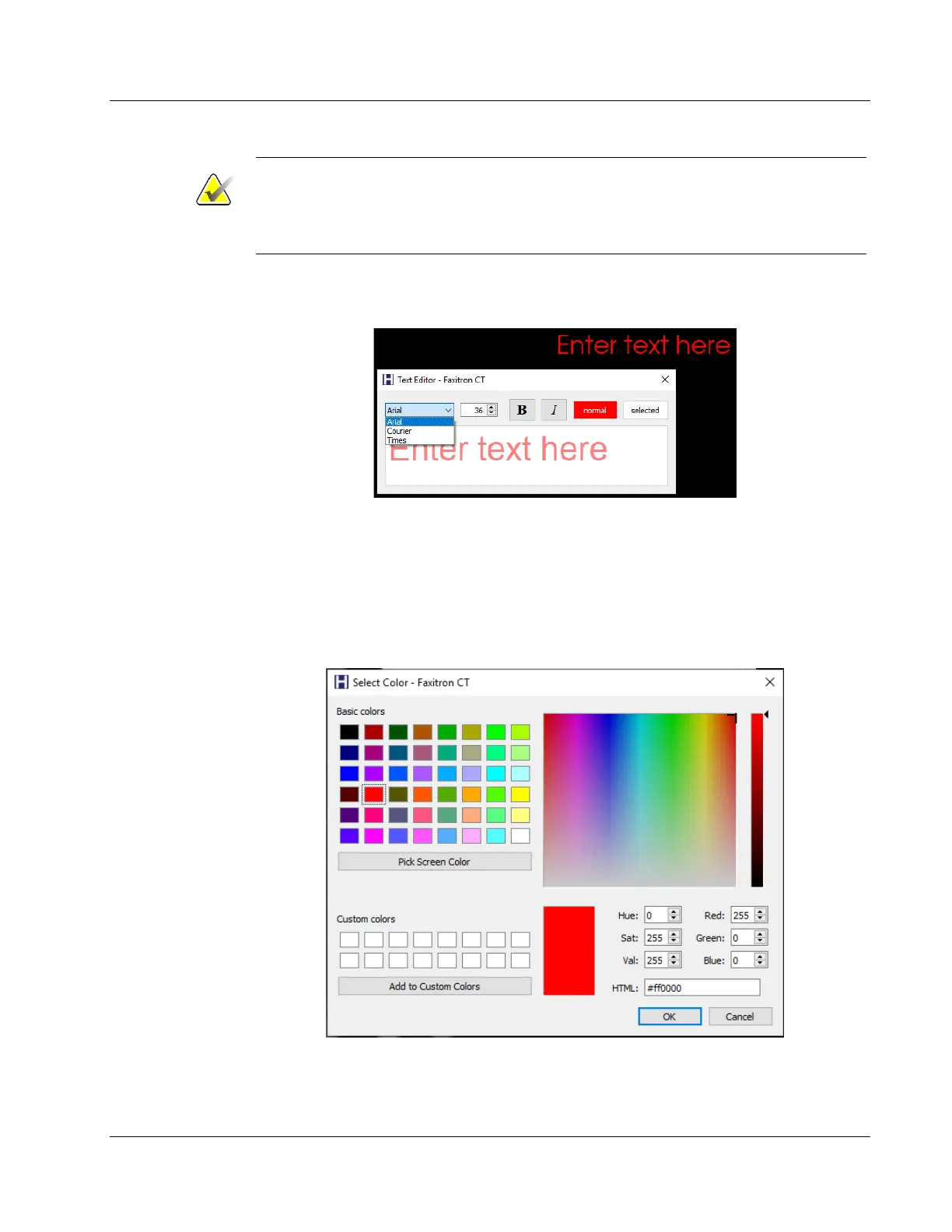
When you select the Text Tool and click in the image “Enter text here” along with a Text
Editor dialog.
Figure 60: Text Tool with Text Editor Dialog
The Text Editor allows you to select between Arial, Courier, and Time New Roman fonts,
specify the font size, apply Bold and Italics attributes to the text, and change the text
color.
Click on the normal button to open a Color Palette which allows you to change the text
color.
Figure 61: Text Tool Color Palette













 To Next Page